The barcode scanner is currently available for Android and iOS mobile devices only.
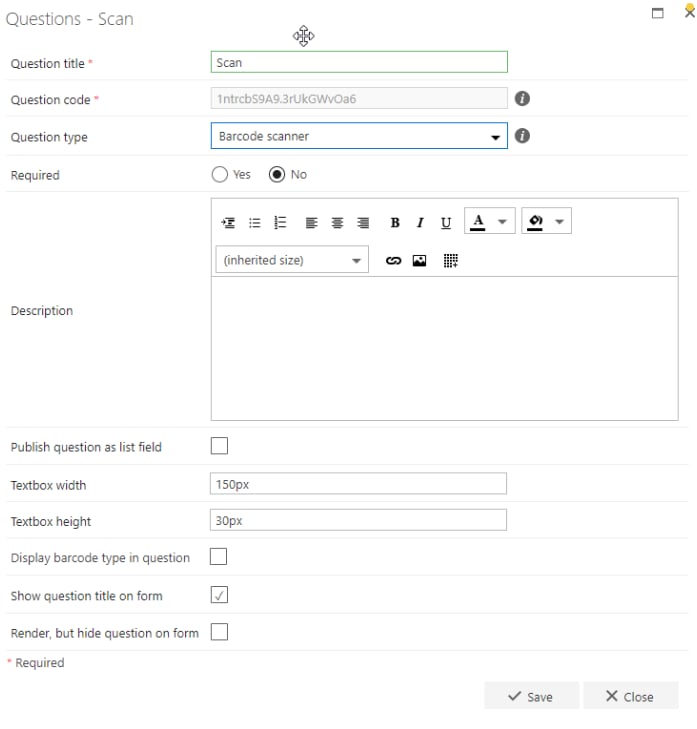
- Question title: Each question must have a title. It’s a required field and appears on the form as a label when the user fills in the question.
- Question code: Each question needs a unique code. One is generated by default when you start creating a new question, but you can overwrite this and give it a different code if you prefer. The question code doesn’t appear on the form itself, but you can use it to search and filter when adding questions.
- Question type: Barcode scanner.
- Required: You need to specify whether the question is required or not. If you set a question as required, the user must provide an answer to it on the form to submit the form. However, the user can save the form as a draft without answering required questions. If you try to submit a form without answering all required questions, an error message appears showing a list of questions that haven’t been answered.
- Question description: It’s optional whether you enter a description. The description is used as a tooltip on the form and adds an exclamation point beside the question on the form. If the user clicks the exclamation point, the description entered (tooltip) appears.
- Publish question as list field: Check this box to save the question to the SharePoint forms list. This allows you to report on the question from there.
- Textbox width: When the barcode is decoded, the value is displayed in a textbox. Here, you can set the width of the textbox.
- Textbox height: When the barcode is decoded, the value is displayed in a textbox. Here, you can set the height of the textbox.
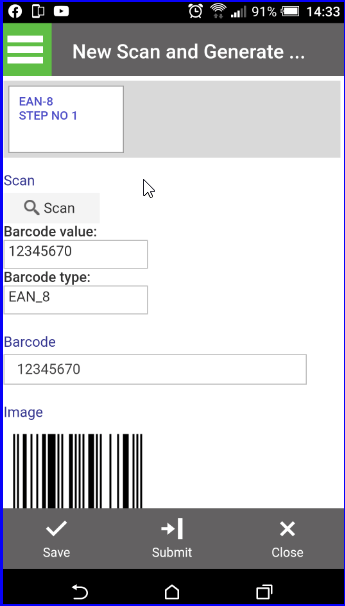
The value displayed in this textbox is the question answer and can be used in any of the FlowForma business rules.For most of the barcodes, the value displayed will be no more than 13 digits, so the default 150px wide and 30px high will be sufficient and is in line with other text questions in FlowForma. If you are scanning QR codes, you may need to increase the dimensions of this textbox.
The barcode type is for information only and cannot be accessed to set values or be used in any FlowForma business rules.
- Show question title on form: Check this option if you want to display the question’s title to the left of the question’s input field. If you uncheck this option, the input field moves to the left and appears under the other questions/question titles.
- Render, but hide question on form: If you check this option, the question behaves as if displayed by default. Default value, publishing, and calculation apply despite the question not being displayed on the form.
Form operation
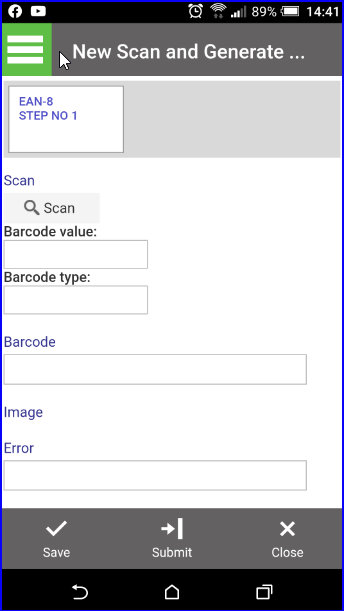
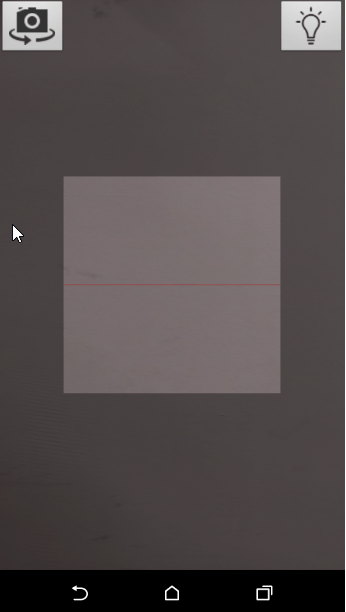
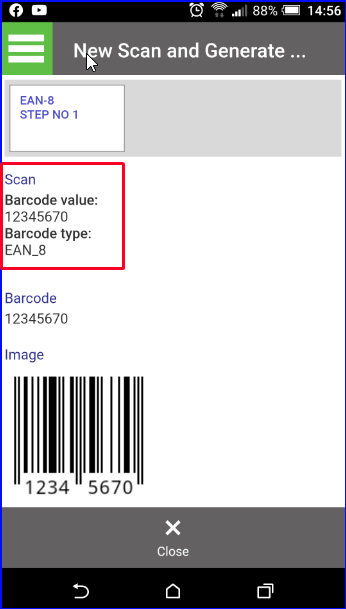
When a form is opened on your mobile device, you’ll see a button showing the question title you entered and the magnifying glass icon. You’ll also see a Barcode value question, where the decoded barcode value is displayed. If you selected to include it in the question definition, you’ll also see a Barcode type question, where the barcode type of the decoded barcode is displayed. In the example below, additional questions are visible - a business rule has been attached to the Barcode scanner question to display the barcode on the form.