

User Documentation
Form Documents
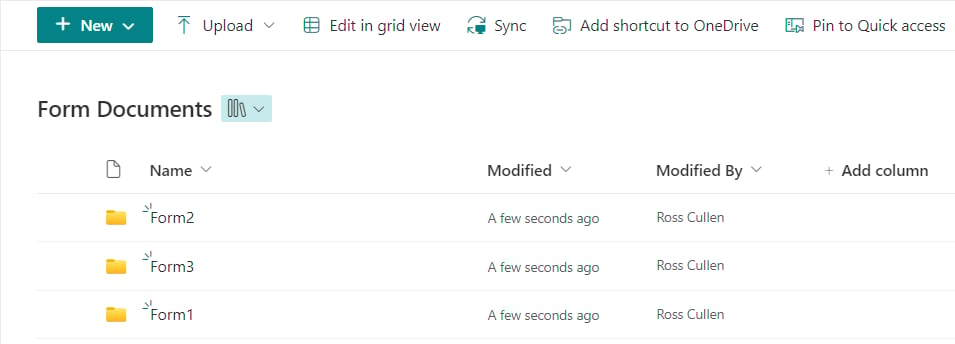
The Form Documents library stores files attached to or generated by a form, and can be organized into folders by flow, form, and step in SharePoint.
The Form Documents library is used when attaching or generating documents in a form. Documents are placed in this library by default, but you can create additional document libraries if needed.
You can create views, set permissions, and manage documents in this library the same as you would any other SharePoint document library, but be careful when you are making changes so you don’t remove any permissions users will need to read/write to the library when submitting forms.