AI Connections
The AI Connections section is only available when the AI Assistants feature is enabled on your site. It lets you configure a connection to an AI provider for use with FlowForma’s AI features. Click Add to create a new AI connection. Title: Required. Enter a title so you can identify the connection later. Provider: Select the AI provider you want to use, either Azure OpenAI or Gemini. Model: For Azure OpenAI this is detected automatically after you test the connection; for Gemini you select the model to use. Endpoint: Enter the endpoint URL for the provider (for example, an Azure OpenAI resource endpoint). API Key: Enter the API key used to authenticate with the provider. Deployment Name: Enter the deployment name for the model you want to use. Click Test Connection to confirm the details you entered are correct. Click Save to save the connection.Access tokens
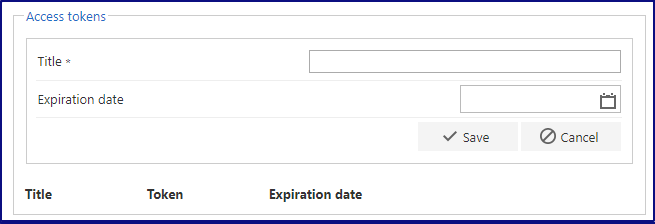
If your users have multi-factor authentication enabled and you want to use the Add/Update Form business rule, you would normally have to enter an O365 app password when entering credentials in the rule. An access token lets you avoid this.- The token is created on the site where the rule is attempting to add or update a form.

SQL procedure connections
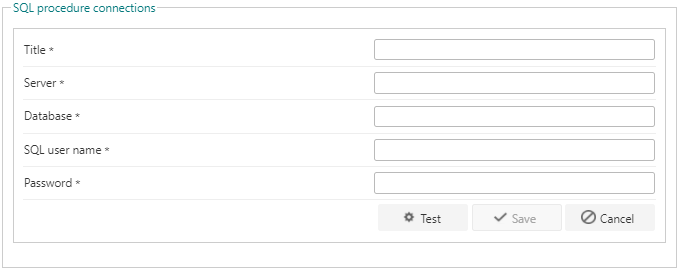
Setting up a SQL procedure connection lets you use the connection string in questions and rules such as the SQL Lookup question or Execute SQL Stored Procedure.
SMTP server
You can set up a custom SMTP server to send email instead of using FlowForma’s default SMTP server.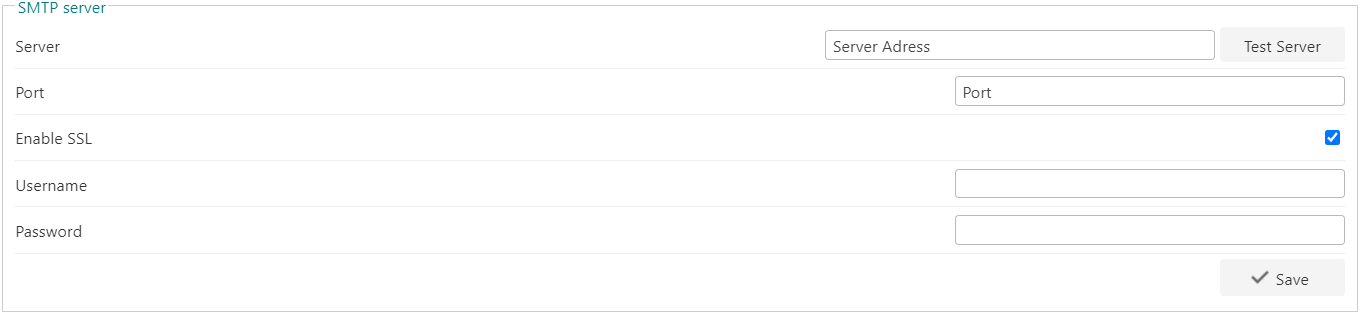
DocuSign connection
To use the DocuSign functionality, you need to create a connection to your DocuSign account.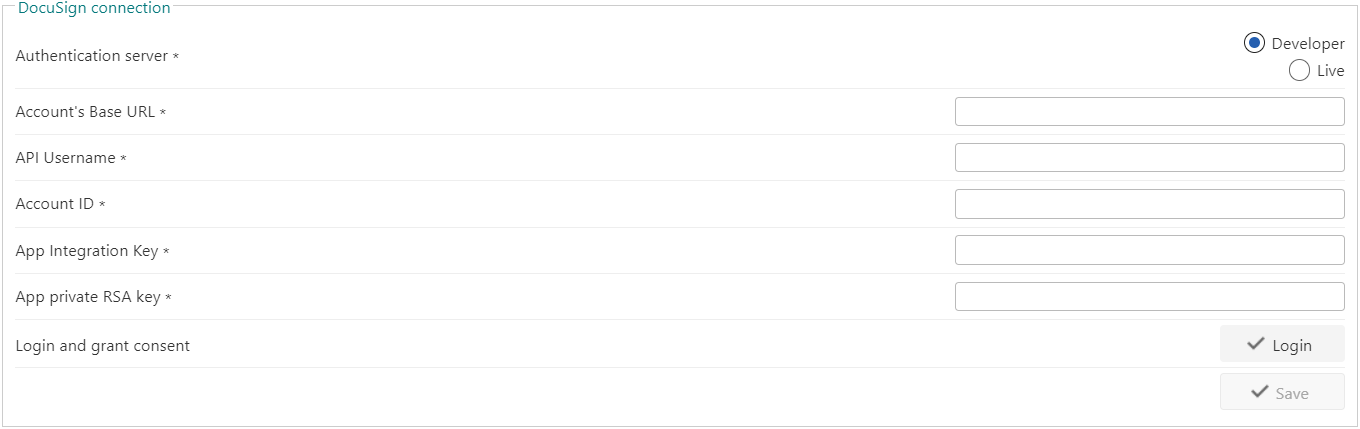
Auth0
If you use Auth0 as an authentication service, you can use it to log in when using FlowForma Engage configured for secure access.
3rd party integrations
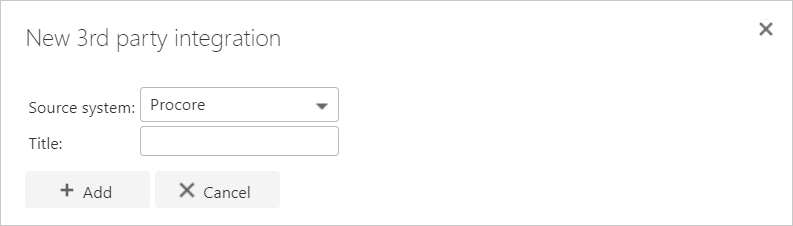
Some 3rd party integrations are available in FlowForma by request. To use one, such as Procore, you can add a 3rd party integration connection.