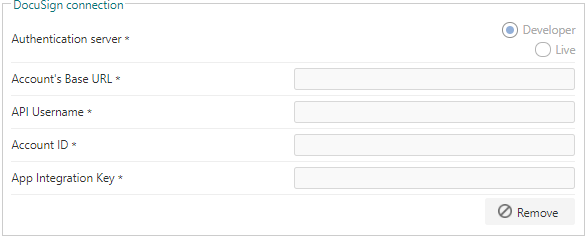
Together, these 2 components let you configure documents, whether uploaded or generated in FlowForma, to be sent for signing via DocuSign.To use this feature, you also need to configure the DocuSign connection in FlowForma Settings > Global Connections.To configure the global connection for DocuSign, you need to create a DocuSign developer account.When setting up the developer account, a quick guide is available on the DocuSign site to help you complete the account creation and find the information you need to complete the connection.