

Note: To access FlowForma settings, you need to be a member of the FlowForma Administrator group.
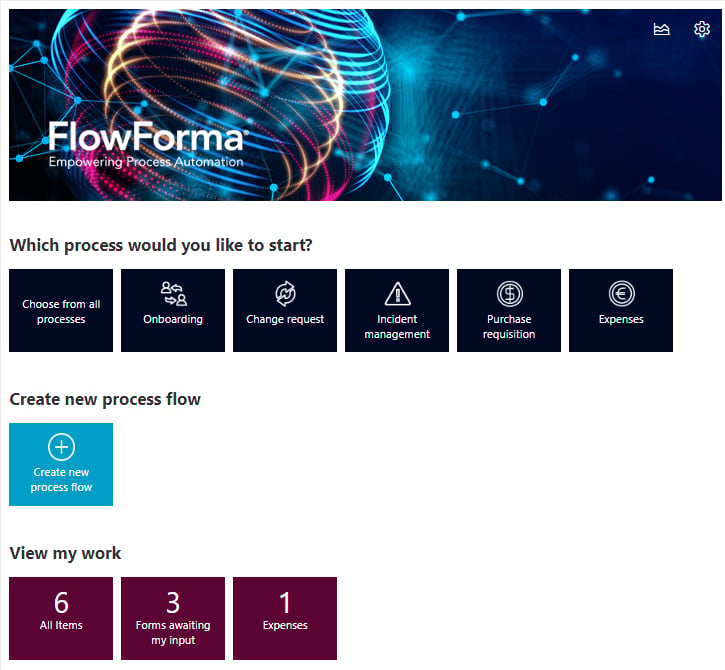

- General: Displays options about the FlowForma version, FlowForma email sender, groups etc
- Features: allows you to activate features and view active ones
- Mobile Centre: displays information related to the mobile app and its configuration.
- Form Archiving: allows you to enable/disable the form archiving, along with its configuration
- Parent-child: allows you to configure parent-child relationships between your flows.
- Add-ons: displays a list of available custom rules and questions, useful additions that are not included in the core product.
- Global Connections:
- Create and manage connections to MS SQL databases for use with the SQL Lookup question and Execute SQL Stored Procedure
- Create and manage access tokens that can be used in the Add/update form to update forms in this site.