


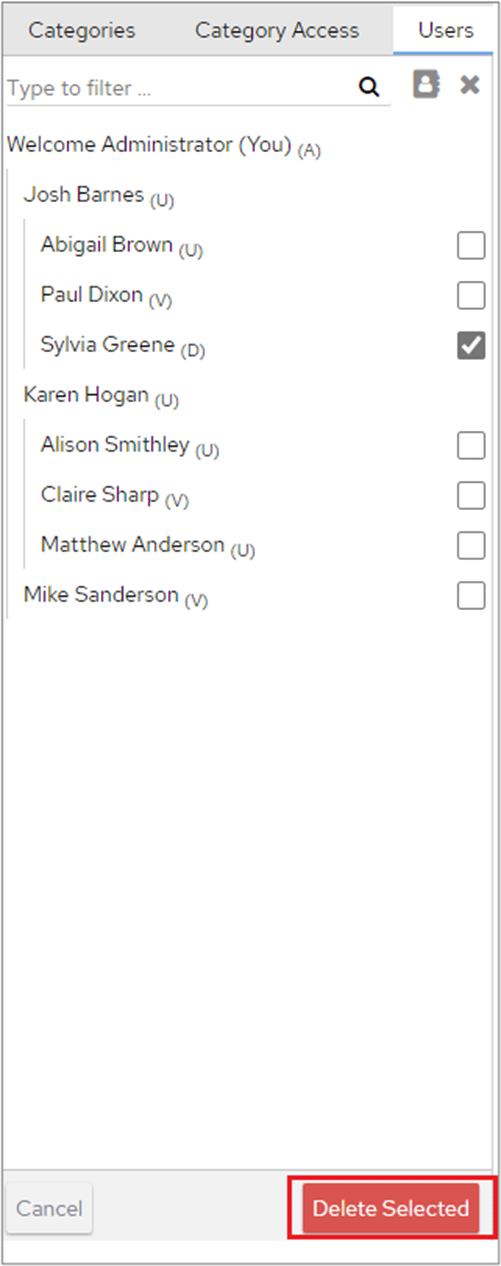
This deletes users whether or not they are in use, unless a user is the parent of another user. In that case, the option to delete them is not available.
Delete FlowForma Analytics users with the To Delete button and Delete Selected, noting that users who are a parent of another user cannot be removed.