Duplicate an existing FlowForma Analytics user to create new accounts quickly, then update the username, email, and password before saving.
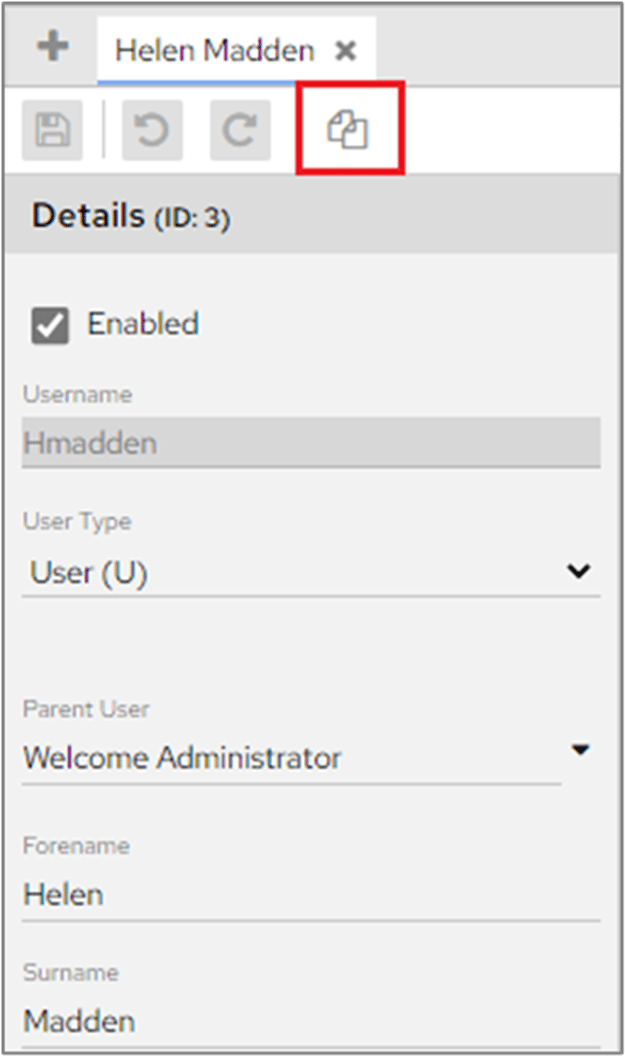
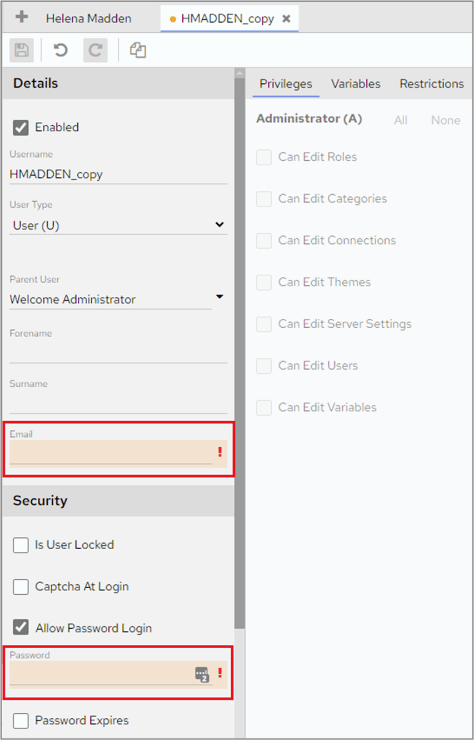
Once a user has been created, you can duplicate that user to quickly create new users.In Dashboard Configuration > Users, select the user that you want to duplicate.Click the Duplicate icon at the top of the screen.Make the necessary changes, remembering in particular to change the user name and to enter a new email address and password.The duplicate user is created with the same User Type as the original user. If you need privileges to be different, remember to change these before you click the Save icon.
We recommend using Roles rather than specifying permissions at User level. This makes changing permissions much quicker, since they only need to be updated at Role level rather than for individual users.