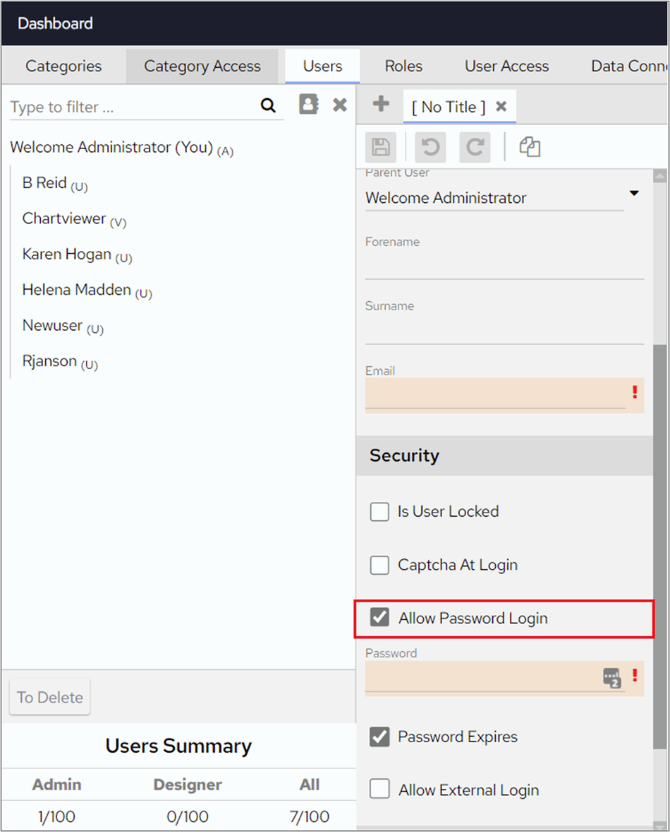
Suppress password login in FlowForma Analytics for users on an external login service by unticking Allow Password Login in user configuration.
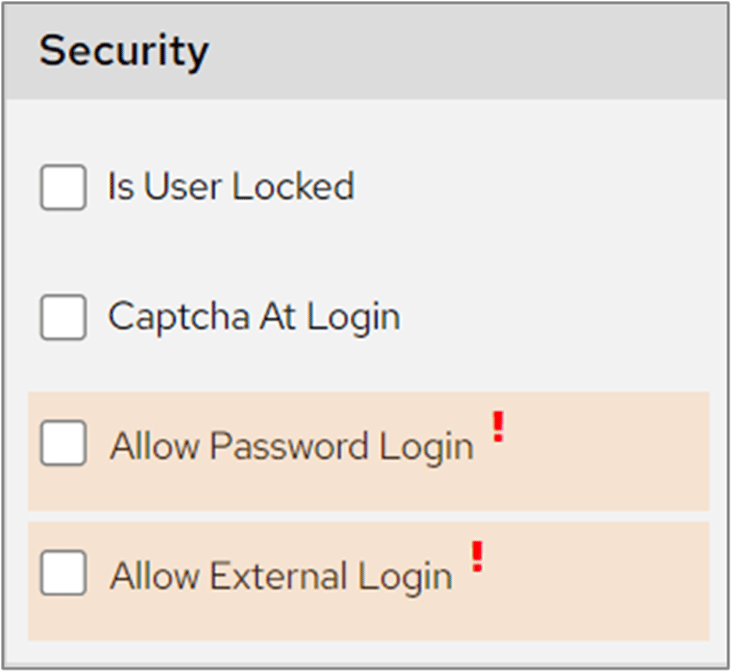
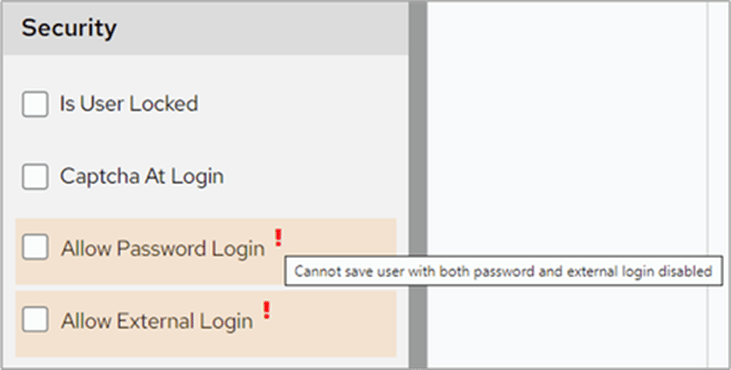
From the July 22 release of the Dashboard, you can suppress password login for users on an external login service. You can enable this in Dashboard Configuration > Users. When you add a new user or amend an existing user, the Allow Password Login box is ticked by default.When unticked, this option turns off a user’s ability to log in with their password and also prevents them from changing any of their details in the account panel, as a password is required to do this.When this option is unticked, the password field and password expires checkbox are hidden and replaced with the Allow Password Login and Allow External Login options. The password is saved as ‘null’ in the database.You will be unable to save a user with both password and external login disabled.If you re-tick password login for a user who previously had it unticked, you won’t be able to save the user unless you add a new password. This is because the password was previously saved as ‘null’ in the database.
Allow Password Login cannot be disabled for the super admin user.