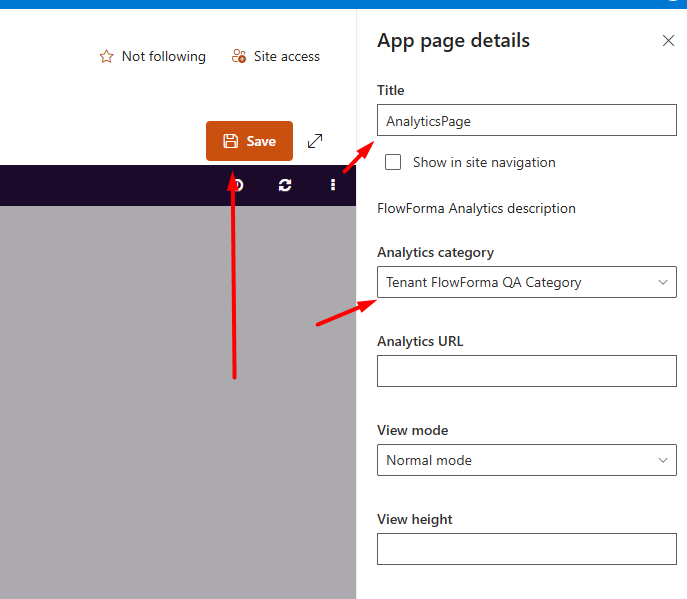
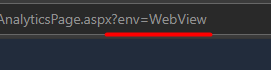
Add a FlowForma Analytics page to your site using the Apps page template, then set its title and category, with an optional full-screen WebView mode.
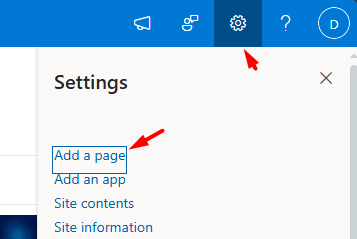
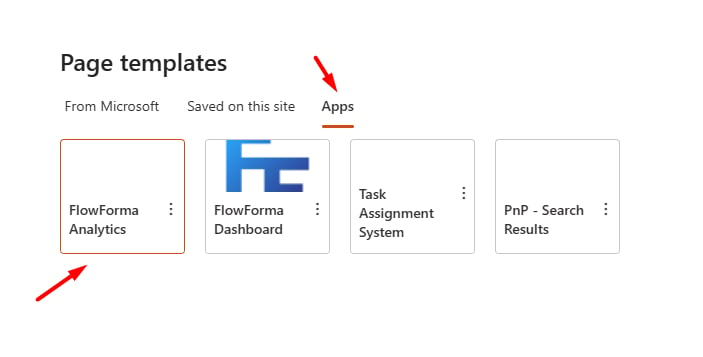
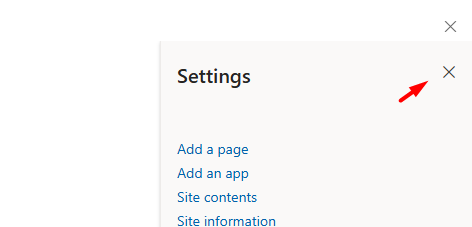
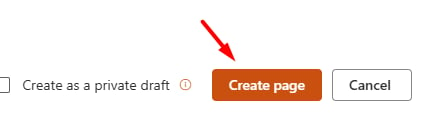
To add an Analytics page, click the Cogwheel icon and select Add a page.In the page templates, select the Apps tab and choose FlowForma Analytics.Close the settings menu on the right side and click Create page.Add a Title, pick a category, and click Save.Bonus: to view the page in fullscreen, add the ?env=WebView parameter to the URL.