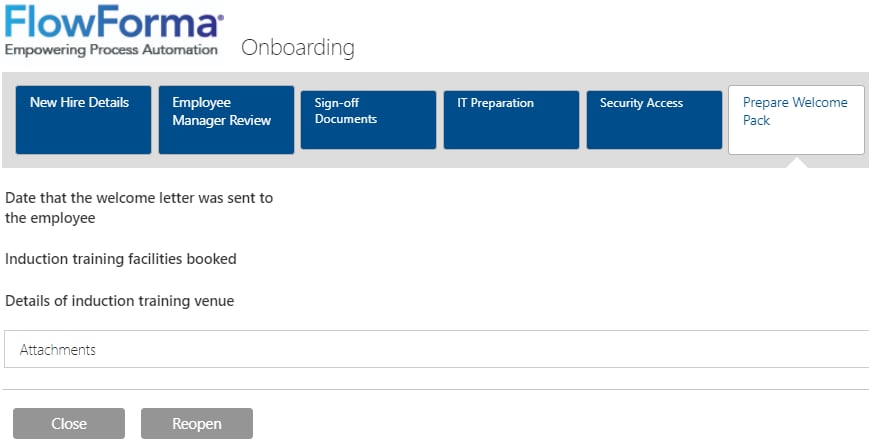
Flow administrators can reopen completed FlowForma forms to fix premature or inaccurate submissions, enabled through FlowForma settings or per-flow settings.
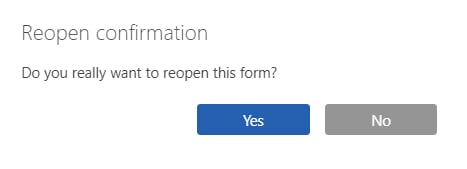
Flow administrators can reopen a completed form if it was completed prematurely or with inaccurate information. When you open a completed form, you’ll see a Reopen button if the option is enabled.Clicking Reopen displays a confirmation dialogue.
There are 2 options for enabling form reopen:FlowForma settings: the Enable form reopen option in FlowForma settings allows all forms ever created to be reopened. You can use this to quickly gain access, then turn it off when you’re done.Flow settings: the Enable form reopen option in Flow settings allows forms created for this specific flow to be reopened. This only affects newly created forms. Turning it off won’t disable reopening for forms that were completed while the option was enabled; it only stops newly created forms from being reopened.