

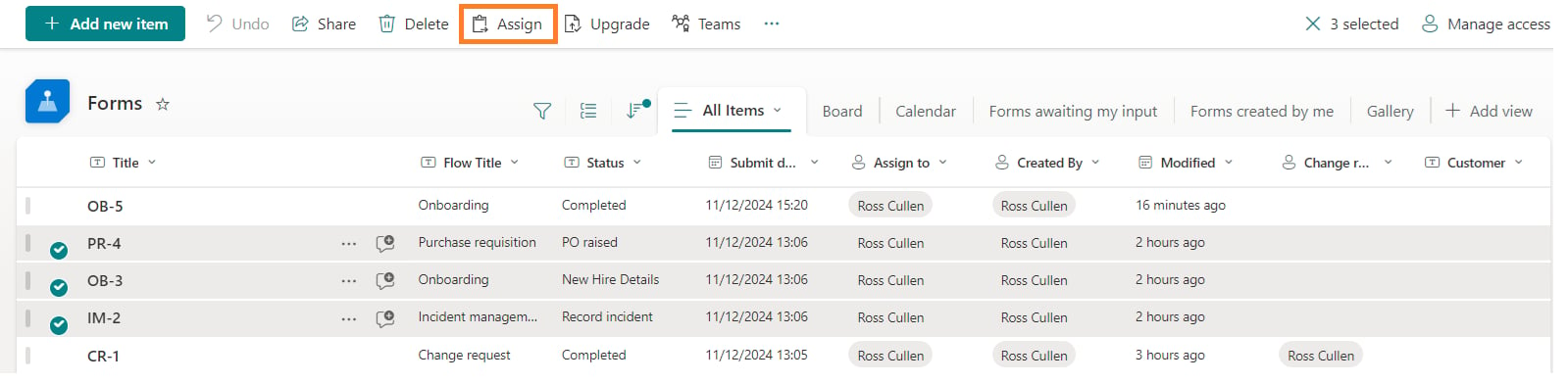
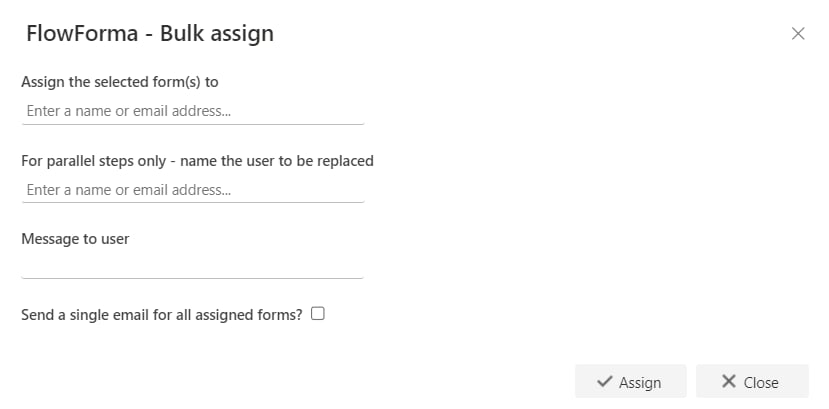
- Assign the selected form(s) to: select the user you want to assign the selected form(s) to.
- For parallel steps only - name the user to be replaced: select the name of the user you want to replace with the user specified above.
- Message to user: enter a message here to become the body of a message sent to the assignee.
- Send a single email for all assigned forms?: send only one email to the assignee, listing all the forms.
- Click Assign. The selected items are then reassigned to the selected user.
Note: the bulk assign option is only available for FlowForma Administrators.