If you’ve tried to log in to your account unsuccessfully by entering an incorrect username or password, your account will be locked as a security measure. The number of attempts you get and the process you’ll need to follow depend on the version of the Dashboard you’re using.

Instructions

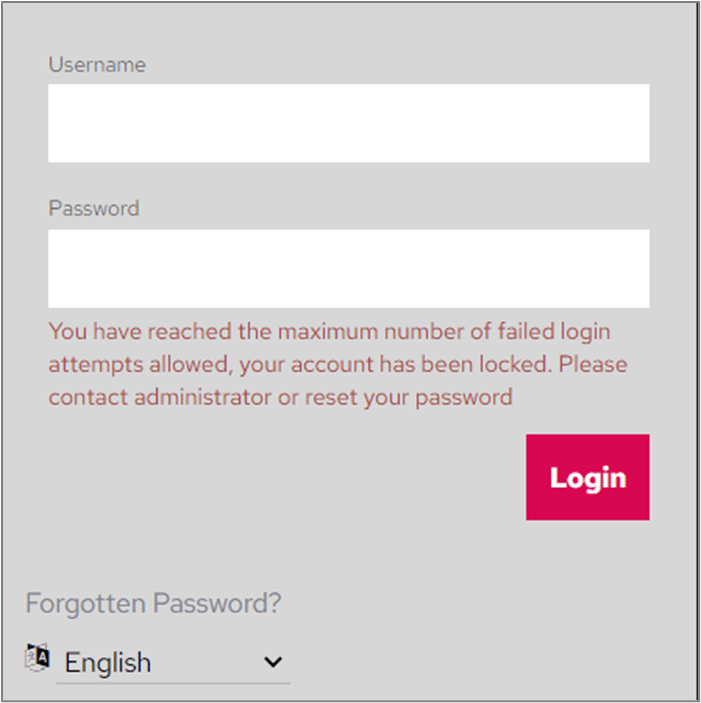
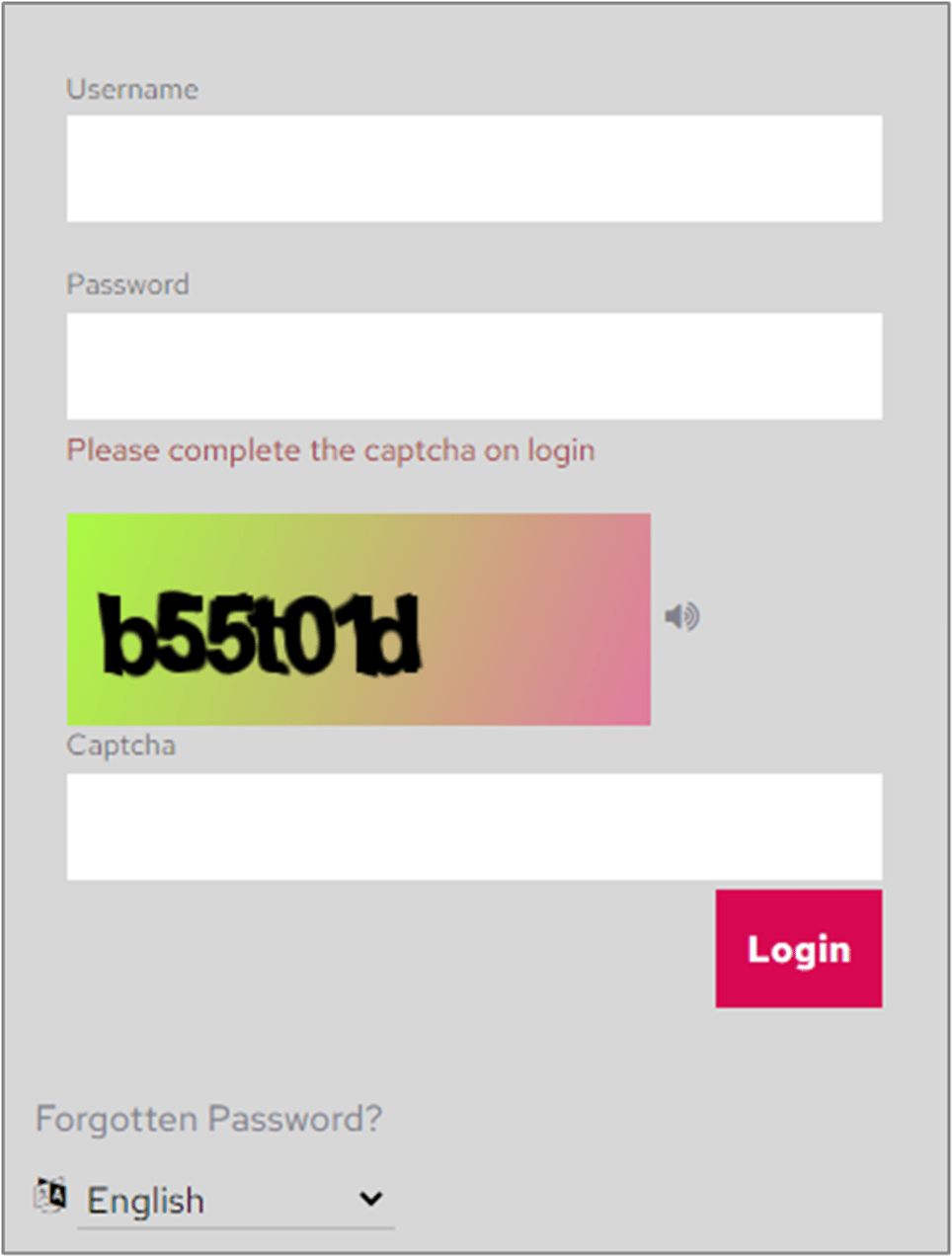
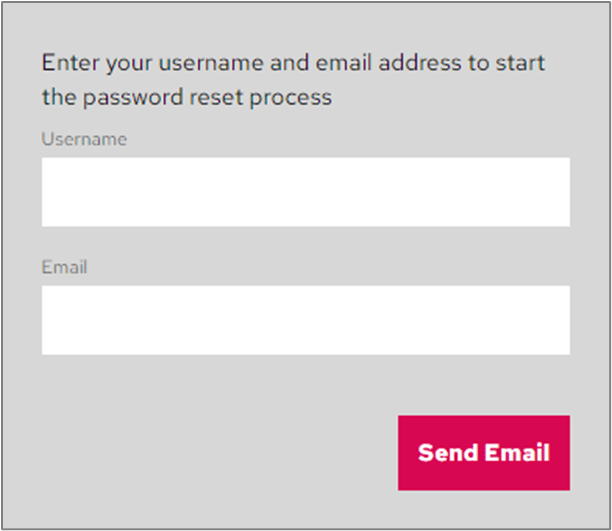
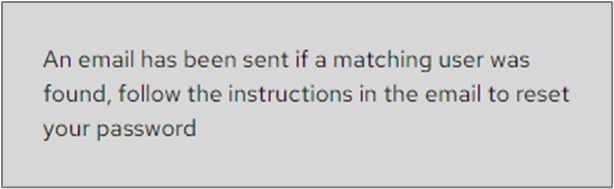
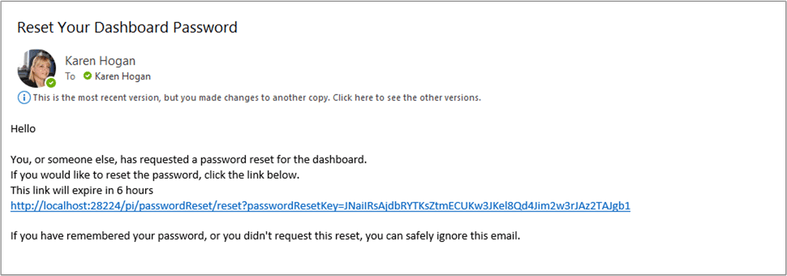
System Administrators will set how many failed logon attempts are allowed before an account is locked. If the version of your Dashboard is pre our July 2022 release and you exceed the specified number of attempts, the following message will be displayed. Account locked message Contact your System Administrator, who will be able to unlock your account and reset your password. If the version of your Dashboard is July 2022 or later, you may be presented with a Captcha section to complete to regain access to your account. Captcha login screen Complete the Captcha details and you should be able to log in. If you enter your details incorrectly again, your account may still be locked after a specified number of failed attempts. If this happens, contact your System Administrator to get your account unlocked. Alternatively, in either case, if you can remember your username but not your password, you can click the Forgotten Password? link to reset it. After clicking Forgotten Password?, the following screen will be displayed. Forgotten password screen Enter your username and email address and click Send Email. The following confirmation message will be displayed. Confirmation message After receiving the email, click the link to reset your password. Password reset email link