

Instructions
- Click More Options at the top-right of the Dashboard.

- Click your name. The User Privileges section shows what permissions you have in the system.
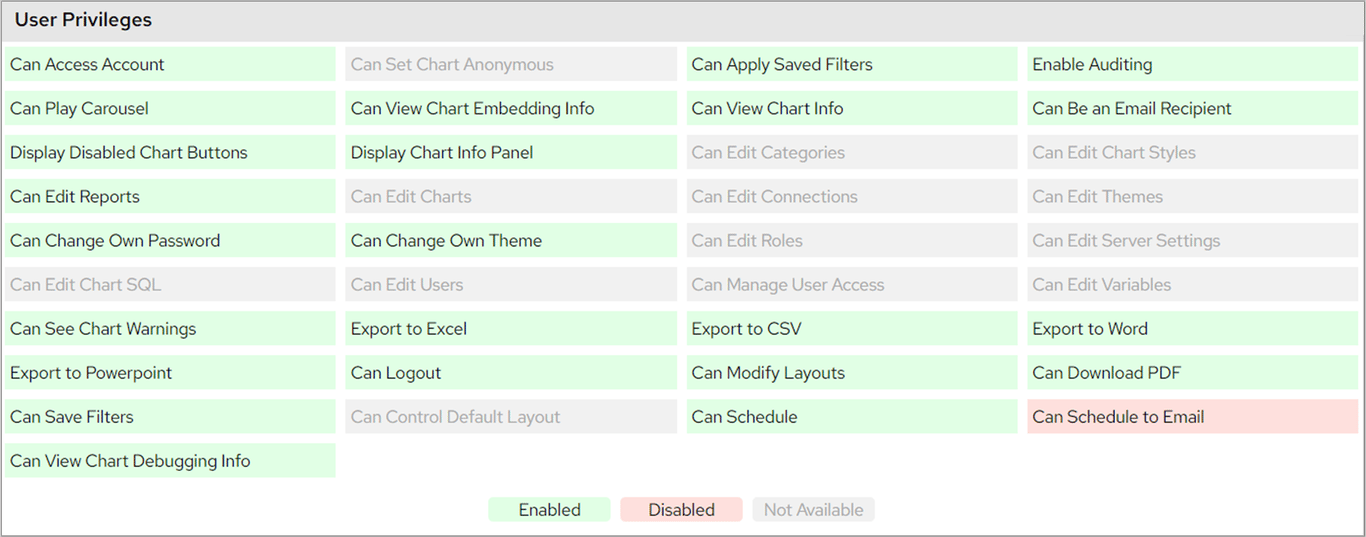
Check your FlowForma Analytics dashboard permissions from the More Options menu, where User Privileges shows enabled, disabled, and unavailable rights.