

Instructions
- Click the More Options icon at the top right of the dashboard.

- Under the More Options menu, click your name. You should see the Change Password section on the left-hand side.
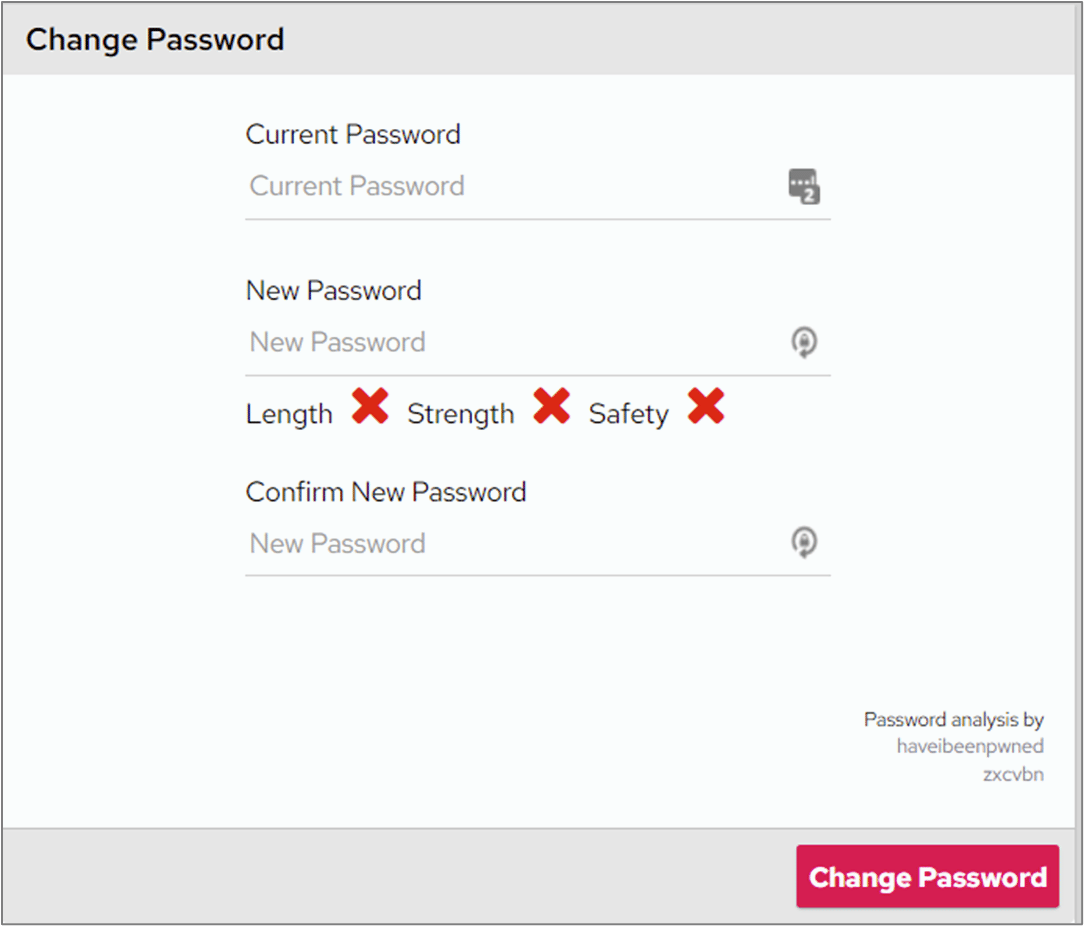
In certain circumstances, your System Administrator might have removed the option to change your password. If you can’t see the Change Password section under More Options, speak to your System Administrator for clarification.