

The FlowForma site
FlowForma assets
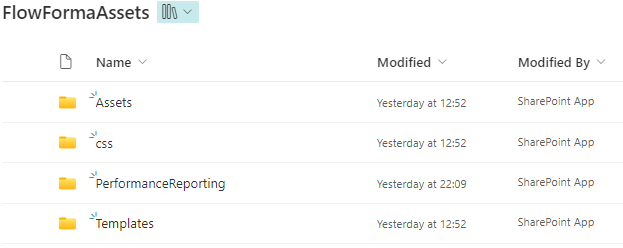
FlowFormaAssets is a hidden SharePoint library for deploying add-on questions and rules, custom CSS, branding images, and process performance data files.
FlowFormaAssets is a library created automatically when you install FlowForma. It allows you to deploy FlowForma components that are not integrated with the product, including add-on questions/rules and custom CSS for the site.
It is a hidden document library. To access it, manually edit the URL of the site and append FlowFormaAssets.
For example if your FlowForma site is located at
…company.sharepoint.com/sites/FlowFormaInstallation
You append FlowFormaAssets to get:
…company.sharepoint.com/sites/FlowFormaInstallation/FlowFormaAssets