Create a custom FlowForma theme with the Kendo UI theme builder, upload the CSS to FlowFormaAssets, and enable it to match forms to your brand colours.
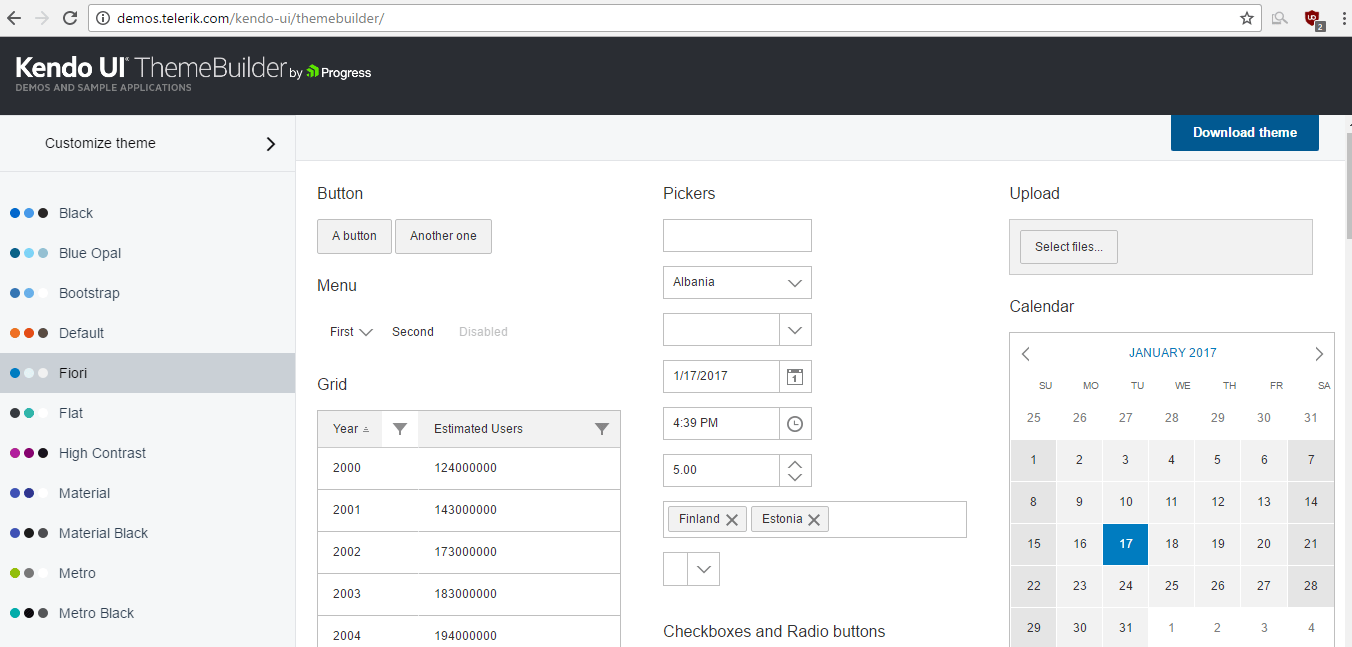
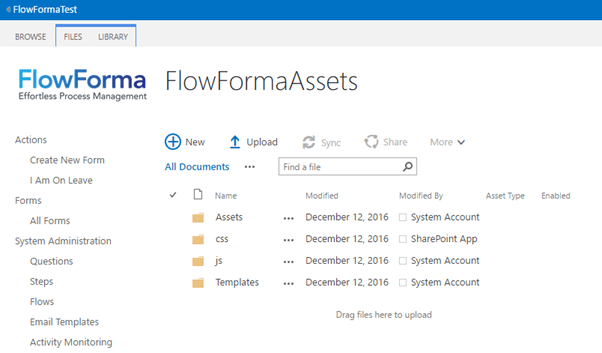
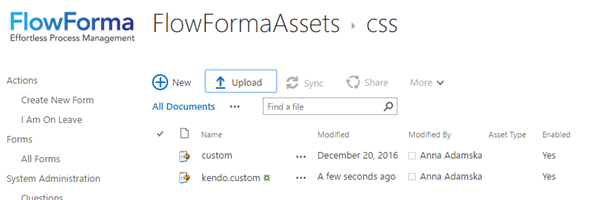
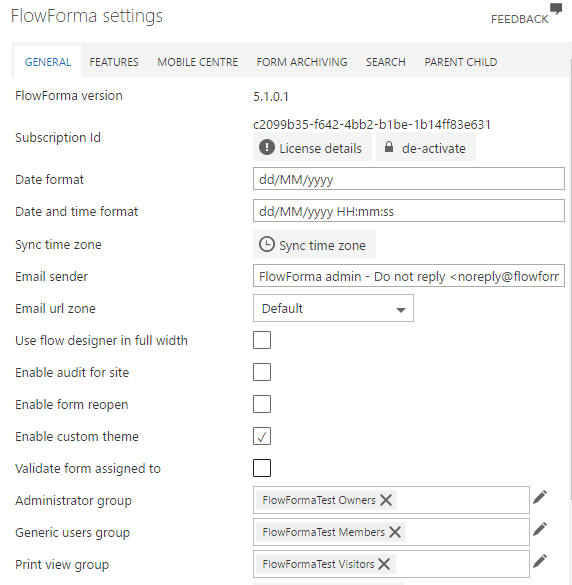
You can create custom themes for FlowForma to change the look and feel of your forms, so they better match your organisation’s colours. To do this, go to the Kendo UI theme builder site.From here you can design your own theme by either choosing one of the pre-built themes, or you can update a theme with your own colours.When you are happy with the theme, click download theme in the top right-hand corner to get the kendo.css file you need.Next, go to the FlowFormaAssets folder.Now upload the kendo.custom.css file into the css folder.Finally, enable the custom theme by checking Enable custom theme in FlowForma Settings.