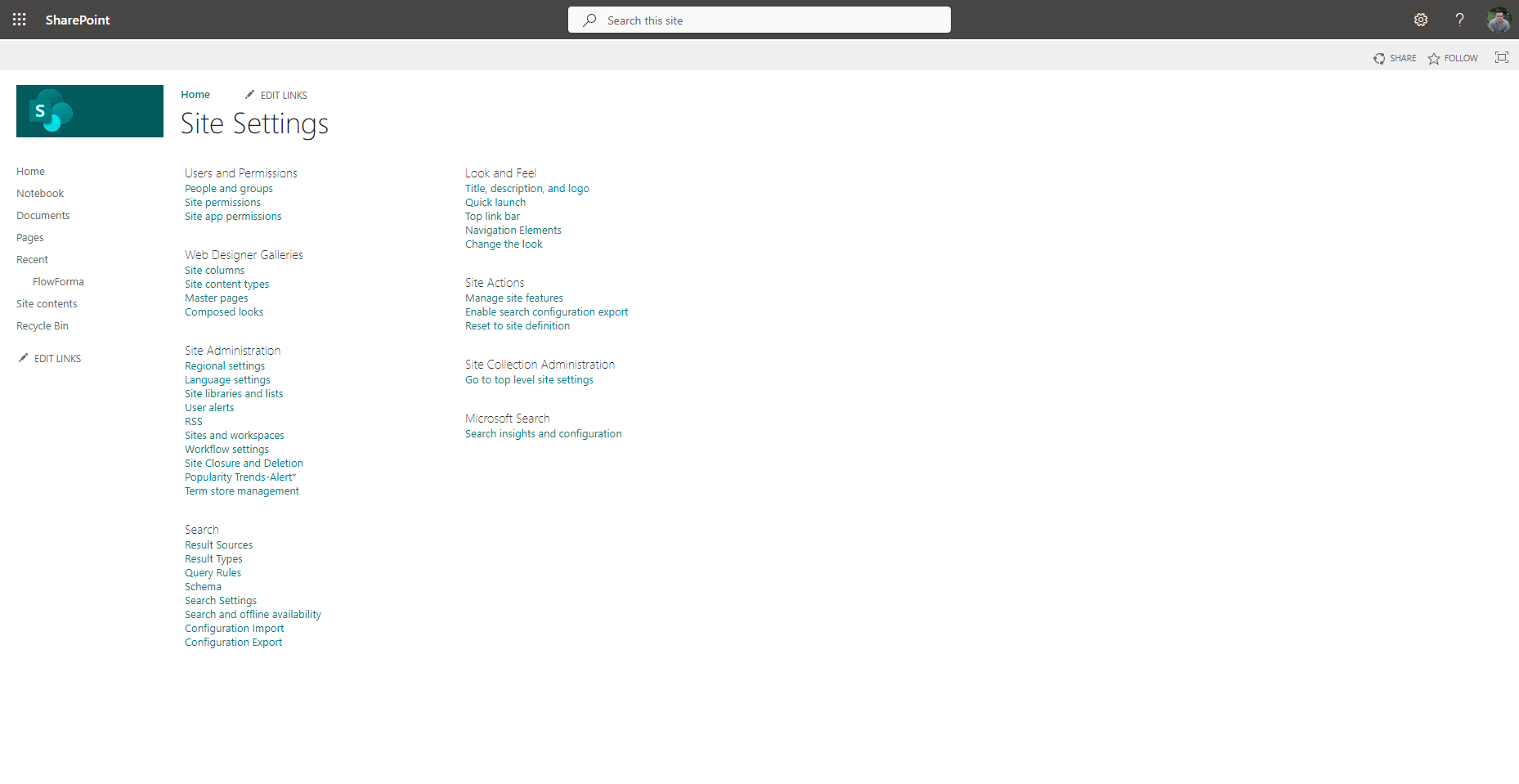
in the top right corner and then select site settings.
The site settings are SharePoint settings, but some of them are relevant to your FlowForma site, so you may want to familiarize yourself with these.
in the top right corner and then select site settings.
The site settings are SharePoint settings, but some of them are relevant to your FlowForma site, so you may want to familiarize yourself with these.
Frequently used settings
People and Groups
Used to manage users and their group memberships. You can add or remove people, assign them to groups, and control their roles.Site Permissions
Lets you set permissions for the site. You can grant, edit, or revoke access for individuals and groups, ensuring users only have the rights they need.Regional Settings
Allows you to configure the site’s time zone, locale, and other regional preferences like date and time formats.