

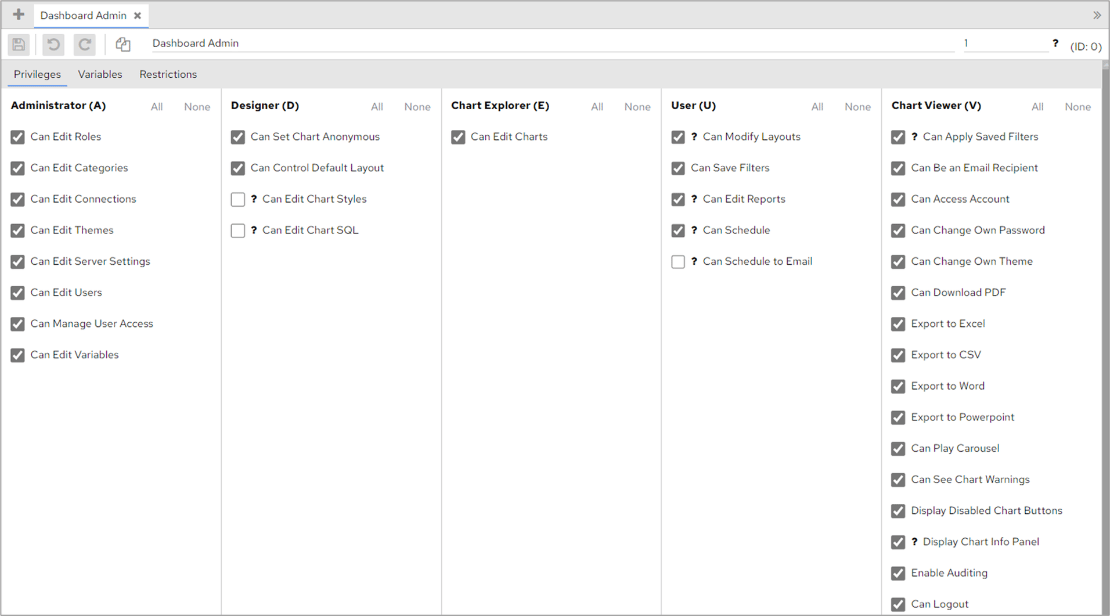
Create a role
To create a role, click the Roles tab in the configuration screen, then click the Add icon at the top of the screen.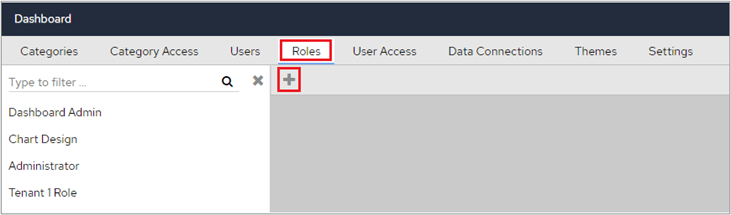

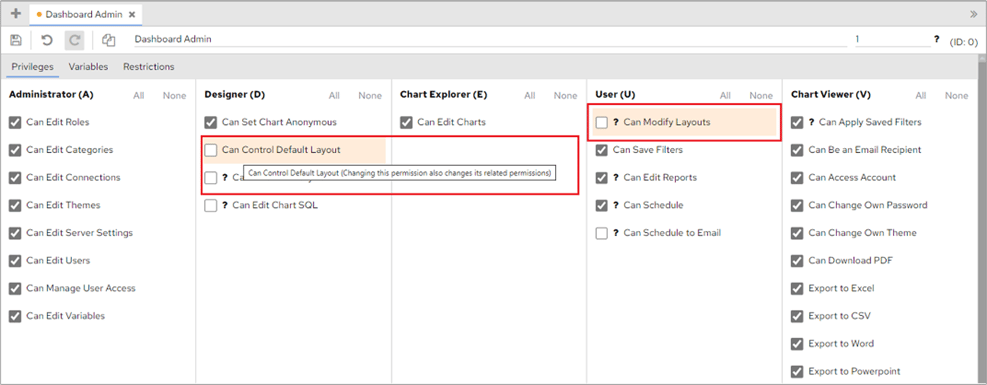
Use FlowForma Analytics roles to group categories and privileges, making it easy to manage access for large numbers of users with the same requirements.