

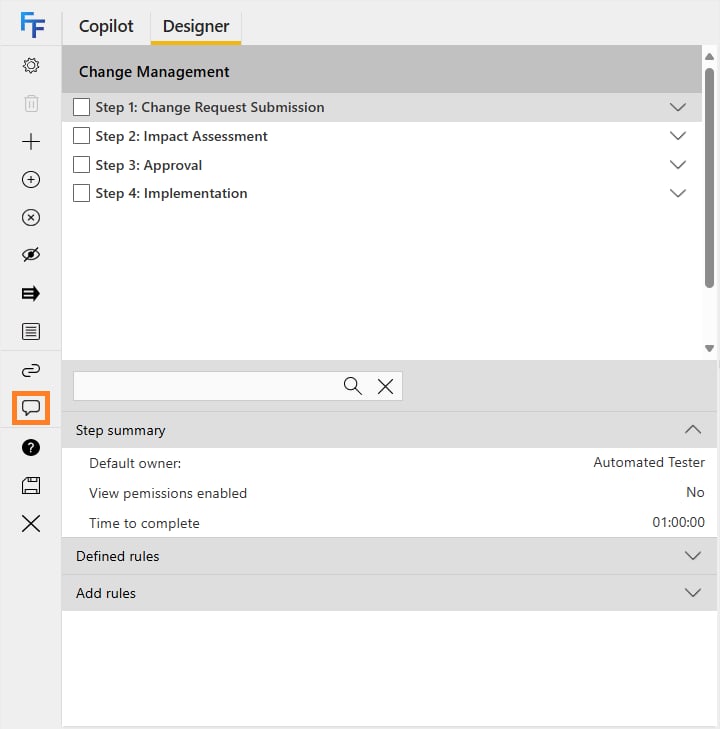

Flow Comments allows FlowForma administrators to leave comments inside the flow designer. You can use this to add notes, track changes, or suggest changes to the flow. Flow Comments in the flow designer To access Flow Comments, open the Flow Designer. There is an icon on the toolbar at the bottom that opens the Flow Comments dialog. Flow Comments dialogue Add a comment: lets you add a new comment Date: displays the date and time the comment was left Display name: displays the name of the person who left the comment Comment: displays the comment left by the user Delete: deletes the comment Close: closes the Flow Comments dialog

Adding a comment

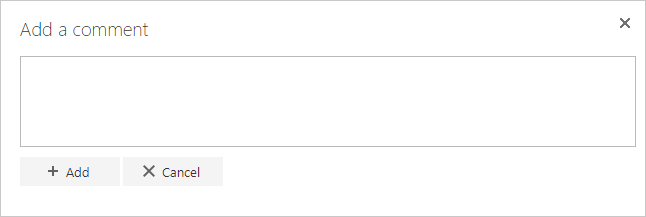
Clicking “Add a comment” displays a dialog for you to enter a comment. Adding a comment dialogue A comment box is displayed for you to type in a comment. Add: saves the entered comment Cancel: cancels adding the comment; no draft is saved and your input is lost if you cancel
Sample comments
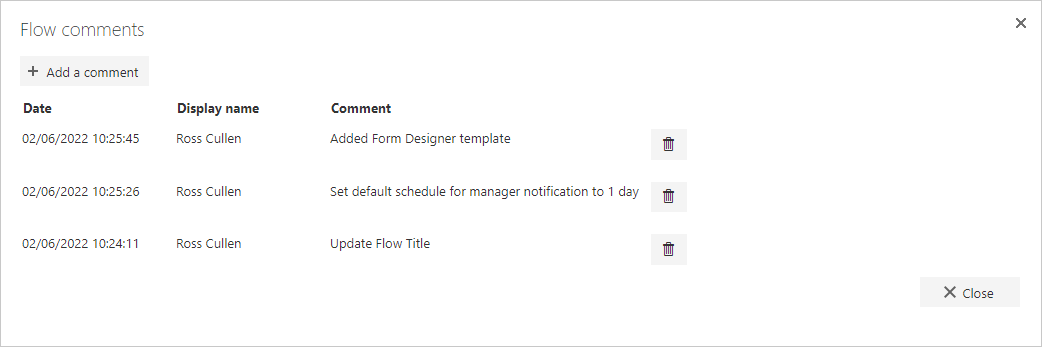
Sample Comments Here you can see an example of the Flow Comments dialog with some comments added. Comments are displayed newest to oldest.