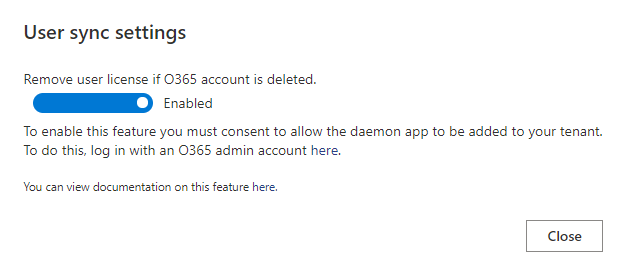
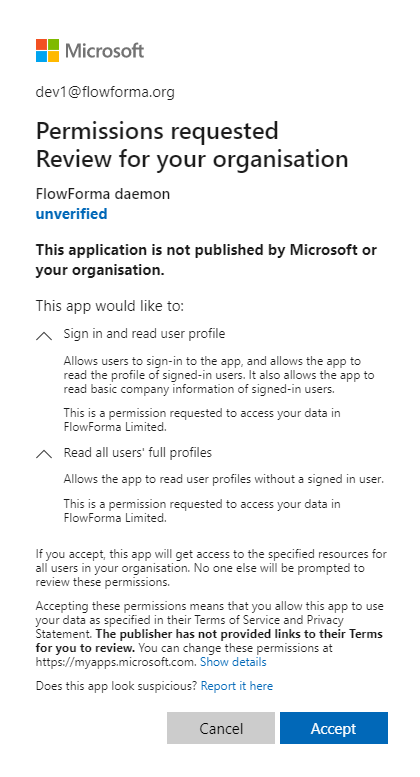
User sync settings
User sync settings automatically detect if a licensed FlowForma user has had their Azure Active Directory account deleted. If the account is deleted, the FlowForma license assigned to that user is removed, freeing it up for another user. FlowForma checks each licensed user’s account status hourly.