App settings
Click the hamburger menu at the top left of the screen to display the menu options.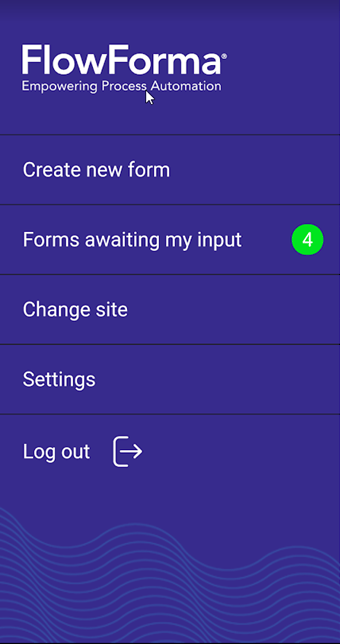
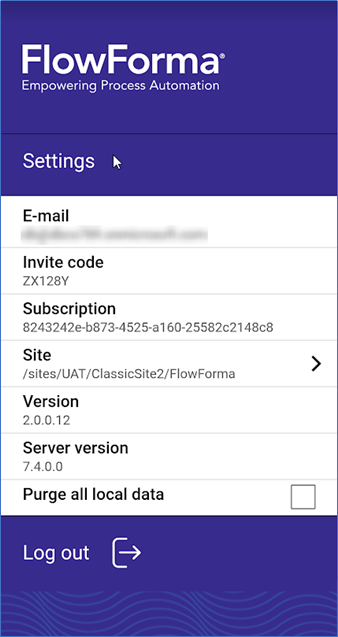
- E-mail: the user ID of the currently signed-in user
- Invite code: the invite code of the FlowForma site you are currently signed into
- Subscription: the subscription ID of the FlowForma site you are currently signed into
- Site: the URL of the FlowForma site you are currently signed into
- Version: the version of the FlowForma mobile app that is installed
- Server version: the version of the FlowForma app that is being used
- Purge all local data: check this to purge any local FlowForma data, downloaded processes, and forms.
Changing sites
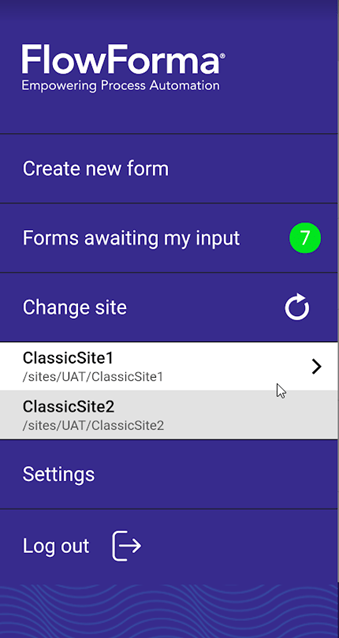
If you signed in using Office 365 and have access to a number of different sites, you can switch between sites without closing the app. From the menu, select Change site.