

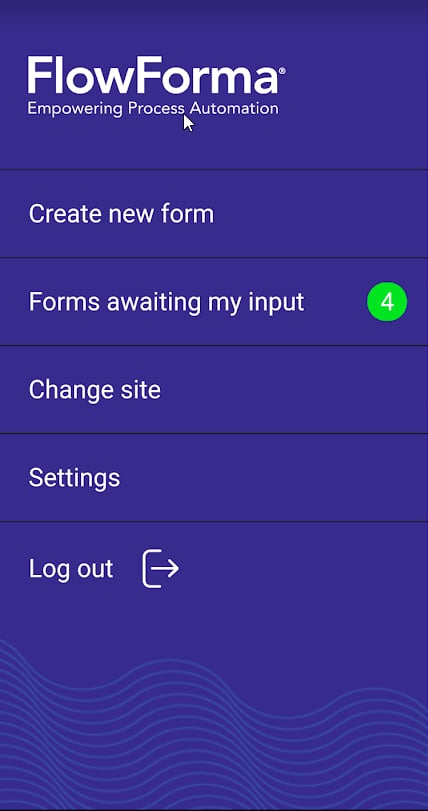
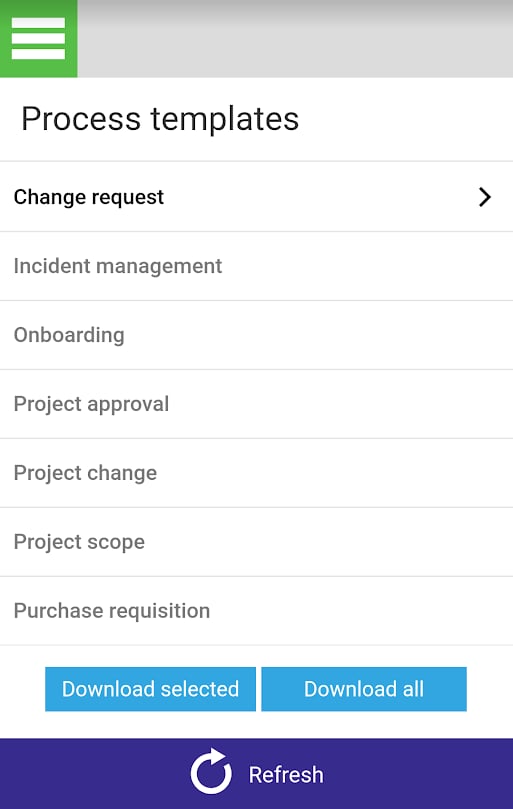
Option 1 - Download an individual template
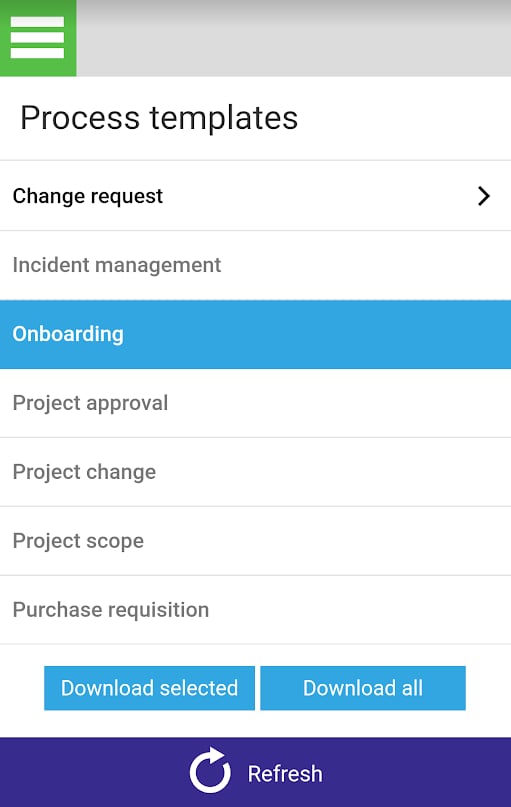
 and the selected process template(s) are downloaded to your device.
Option 2 - Download all templates from the site
Click and all the licensed process templates on the site are downloaded to your device.
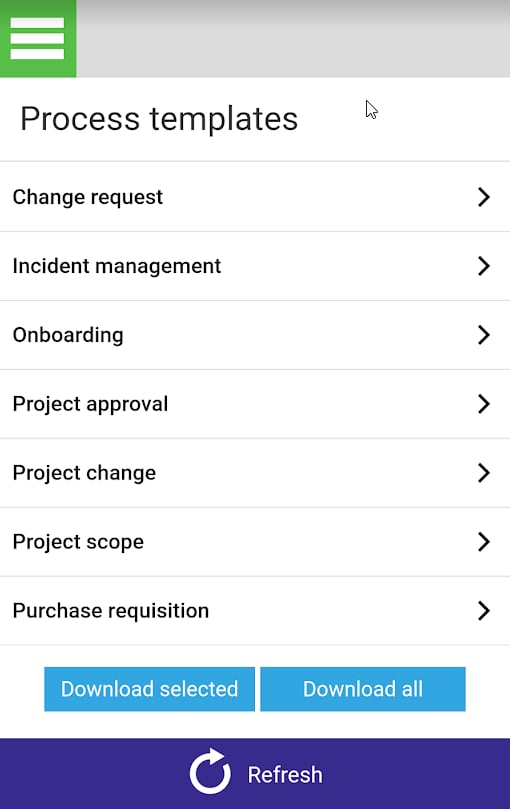
Download individual or all licensed process templates from your FlowForma site to your mobile device, and swipe to remove ones you no longer need.
and the selected process template(s) are downloaded to your device.
and all the licensed process templates on the site are downloaded to your device.