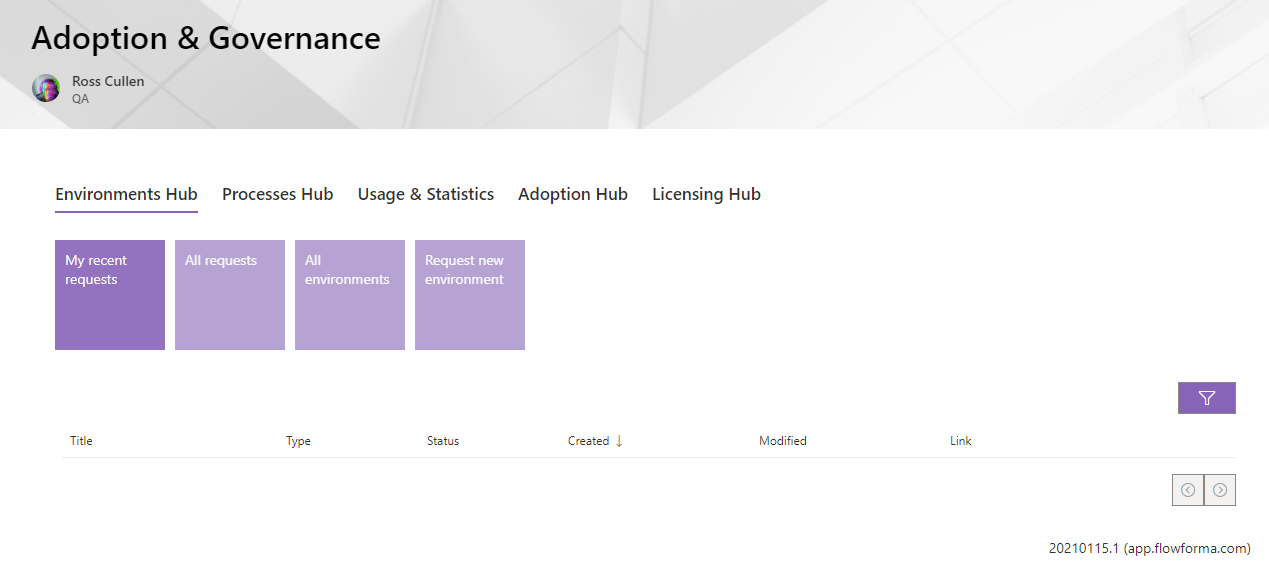
- Environments Hub: allows the creation and management of FlowForma app requests
- Process Hub: allows the creation and management of process promotion requests between environments
- Usage & Statistics: view built-in reports for forms started, completed, and overdue for the past year, broken down by month and by user
- Adoption Hub: provides a central management location for customizations, for example you can deploy add-on questions/rules to all apps, or use the same form theme/company branding for all forms
- Licensing Hub: manage licensing for sites and users, as well as feature activation and usage reports using cost centers
Before installing the Governance webpartIf you have not yet deployed any FlowForma apps on your SharePoint tenant you must deploy one manually from the SharePoint store, this will apply the required permissions to SharePoint for apps that are subsequently created using Governance.This step is not required if you have already installed at least one FlowForma app from the SharePoint store.
Permissions
User Permissions
Adoption and Governance includes two permission levels:- Governance User
- Can view the Environments and Process hubs.
- Can request new environments and process promotions, with permission to approve them.
- All FlowForma users are considered Governance users.
- Governance Administrator
- Has access to all hubs, can request and approve requests, and can manage licensing for users and sites.
- Their O365 account must have the SharePoint Administrator or Global Administrator role.
- The Adoption and Governance site collection(s) must either:
- Add the “SharePoint Service Administrator” as a Site Collection Administrator (allowing anyone with the SharePoint Administrator role to have admin permissions), or
- Individually assign admin permissions to users with the Global Administrator or SharePoint Administrator role.
App Permissions
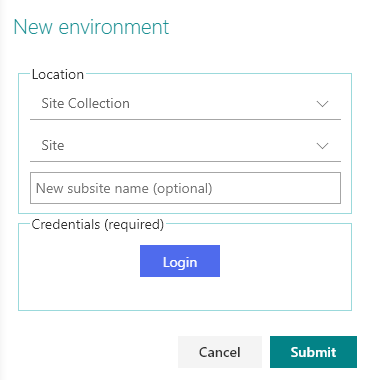
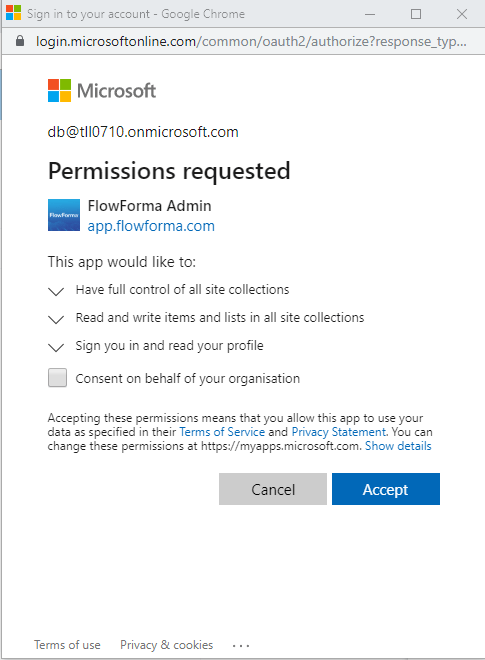
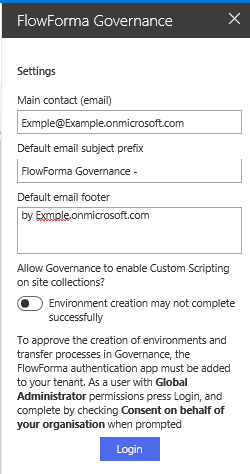
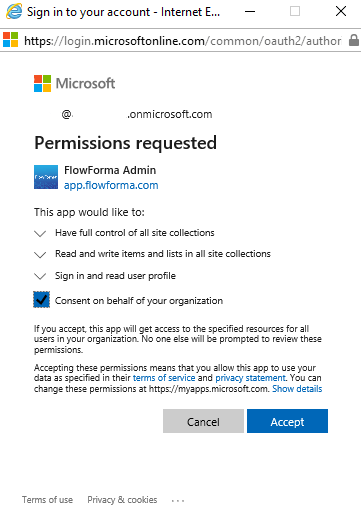
To grant permissions for Governance to create apps or promote processes, a Global Administrator must accept the first New environment request or Process promotion request.
Set up
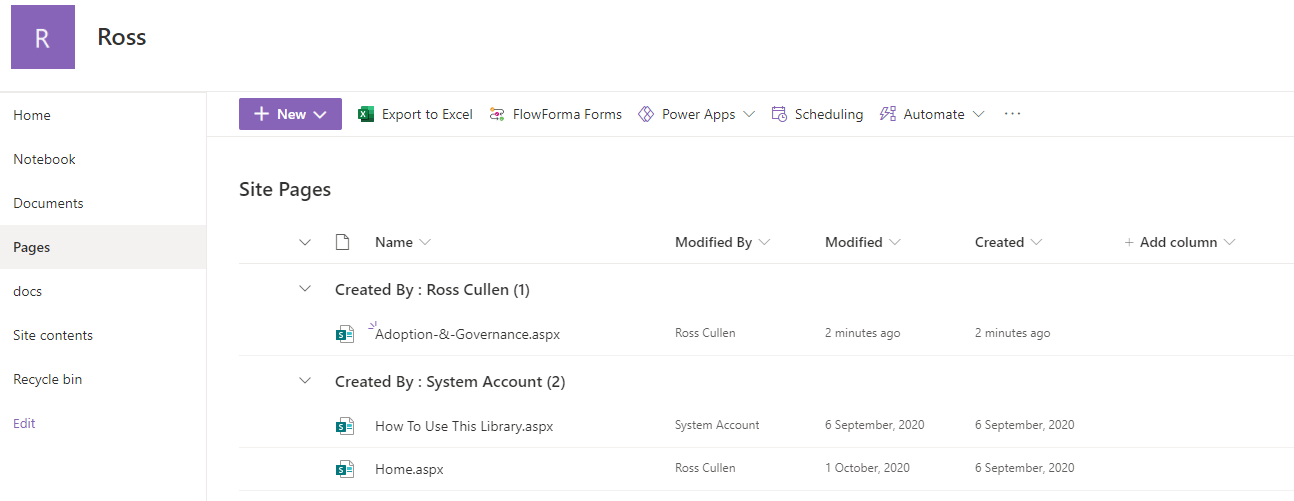
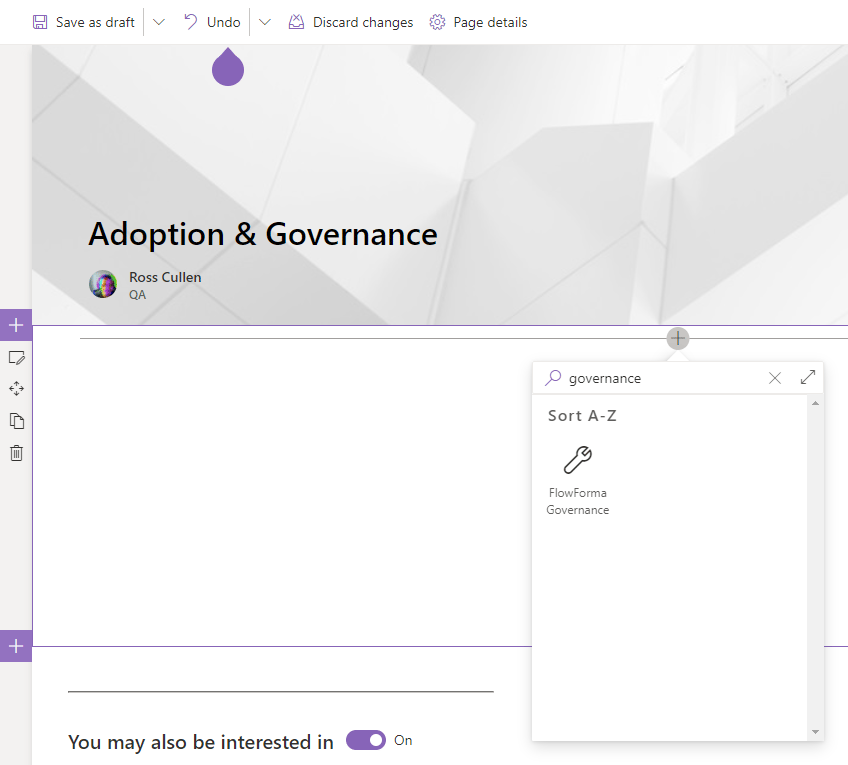
The Adoption and Governance web part is optimized for “site pages”. To start, create a new site page.