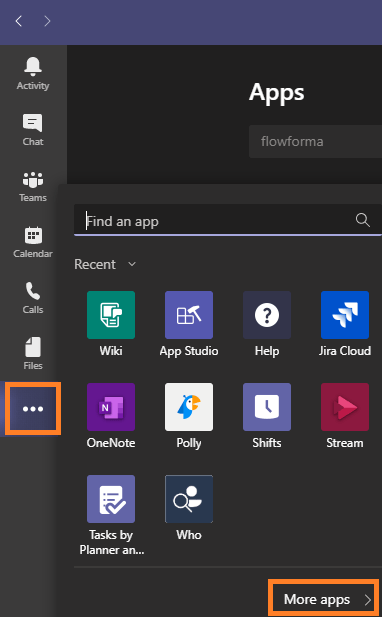
- Click the three dots on the left-hand side navigation.
-
Click More apps in the bottom right.
-
On the apps homepage, search for FlowForma.
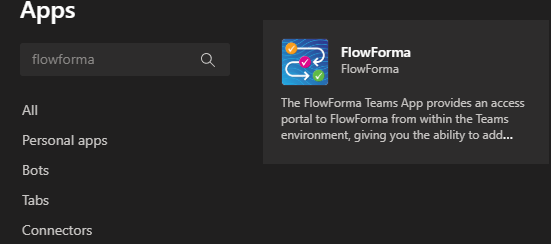
- Click the FlowForma tile.
-
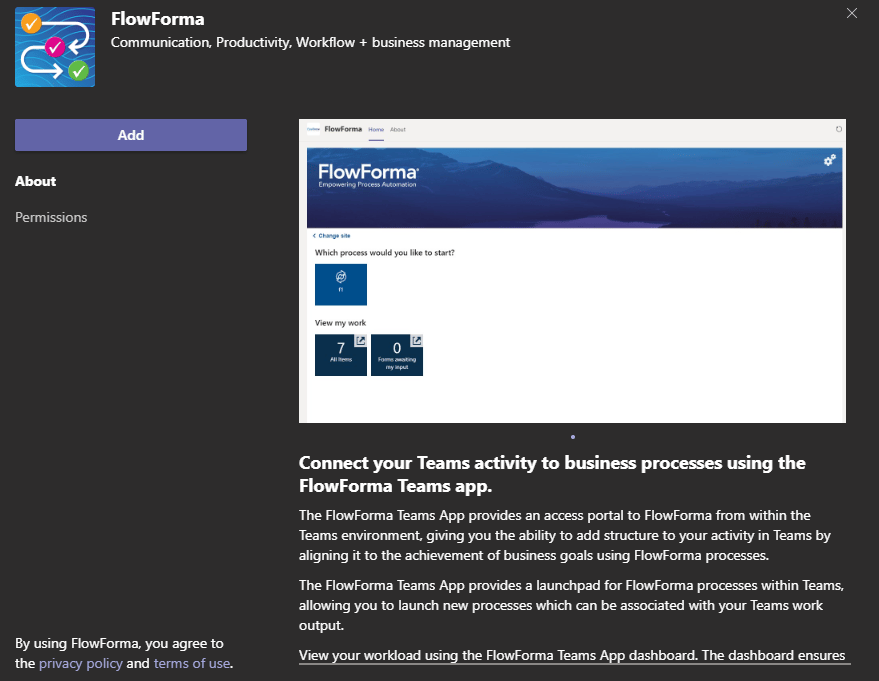
Click Add.
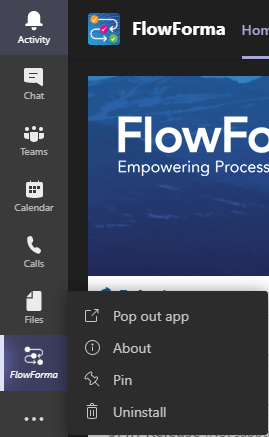
- After the app is installed, you will see the FlowForma icon on the left-hand side menu.
- Right-click the icon to pin it so it’s always visible.