This user interface change also affects how the step bar is displayed in Engage Forms. The changes vary depending on whether Engage is operating in standard or enhanced mode (this is set in the site branding settings).

Engage in non-enhanced mode

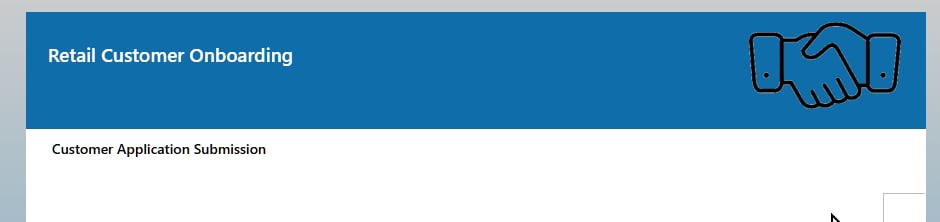
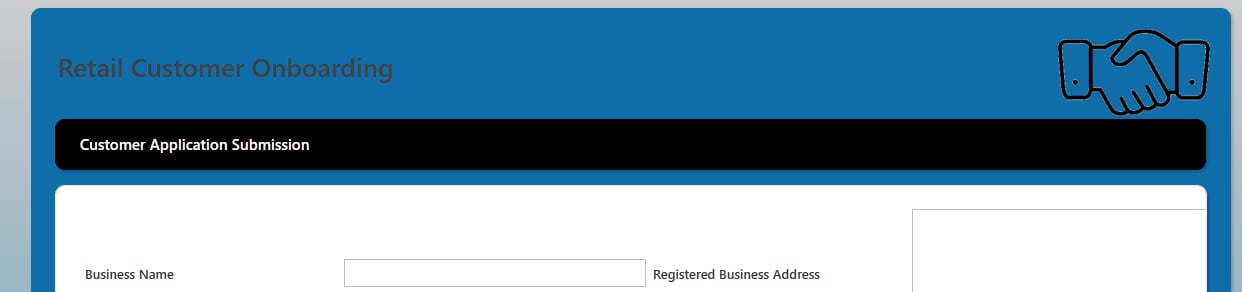
An engage form in non-enhanced mode displays the flow title, step title and logo as: Current Engage form in non-enhanced mode After the update, the flow title, step title and logo are displayed as: Updated Engage form in non-enhanced mode


Engage in enhanced mode

With Engage in enhanced mode, the step title is displayed below the flow title. Current Engage form in enhanced mode After the update, the same form displays the step title below the flow title. Updated Engage form in enhanced mode