- You first need to navigate to the FlowFormaAssets folder and open the CSS folder.
- Download a copy of the custom.css file, and open it in a text editor.
- The code to change the font is:
- In this example, we set font-family to Aerial; you can change this value to other fonts.
- Save the changes and upload the custom.css file in the css folder; you can do this by simply dragging and dropping the file.
- You will be notified that a file with the same name exists, but you can click replace it.
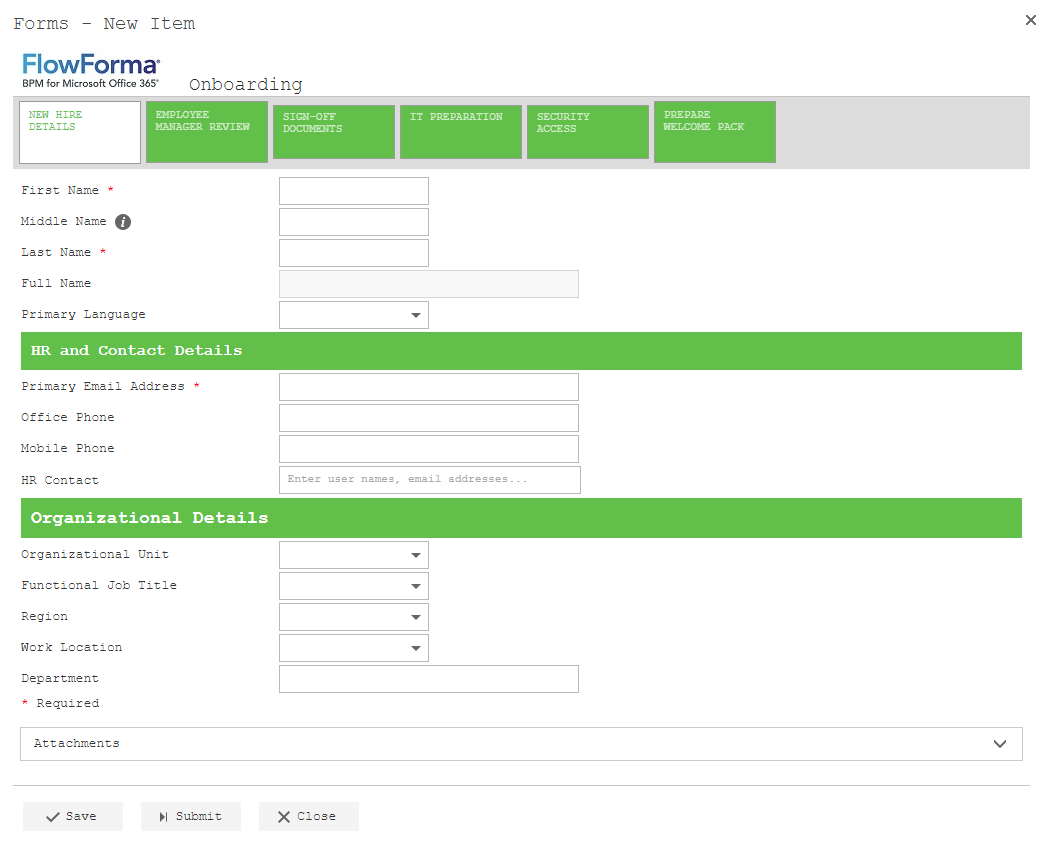
- The text in forms will now be displayed as Aerial.
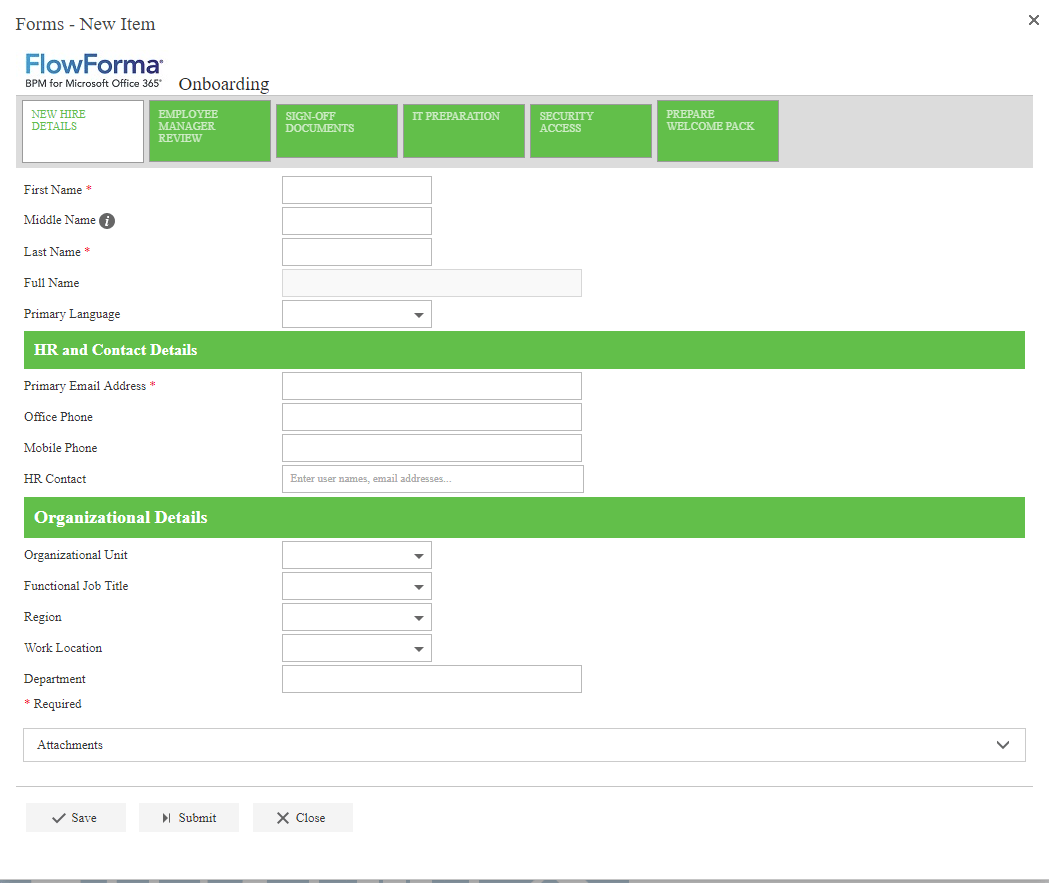
- Another example of the text being changed to courier.