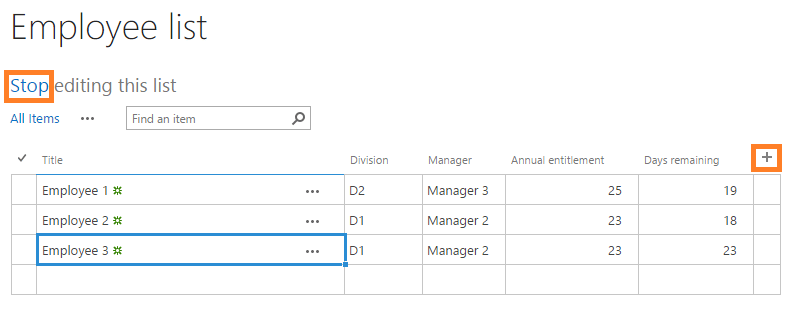
Where can you create lists?
You can create and edit lists from site contents in your SharePoint site. The location of your site contents depends on your installation of SharePoint and the location of your site or subsite. Site contents are available for each site or subsite, and you must be a site member with edit permission to manage lists.SharePoint on premise & SharePoint in the Cloud (Azure or FlowForma Cloud)
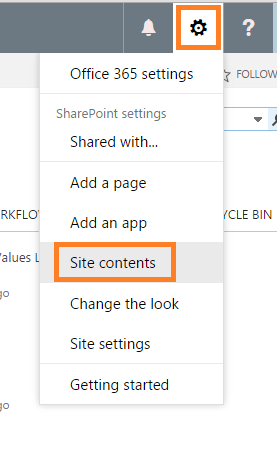
To access your site contents, go to your site and select site contents from the left navigation, or alternatively select site contents from the site actions menu.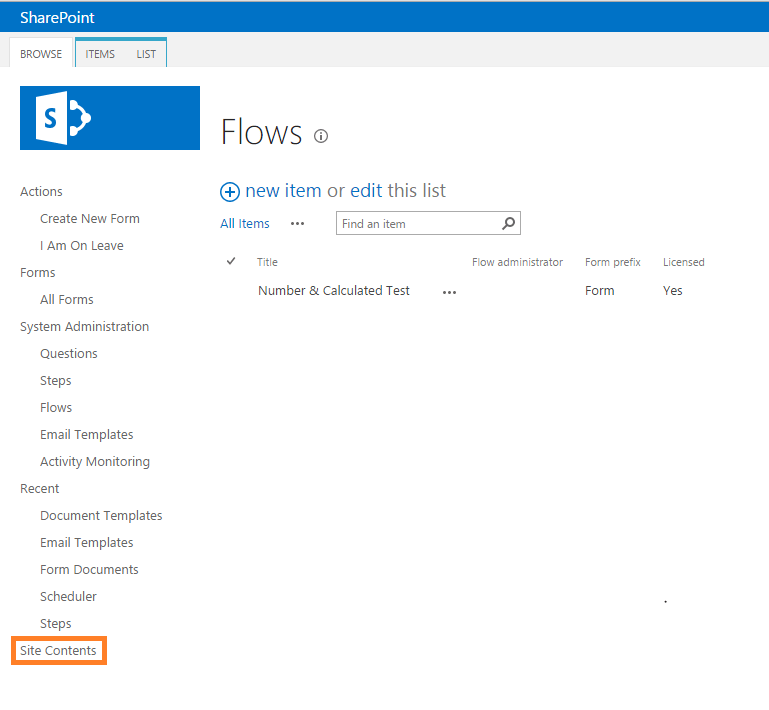
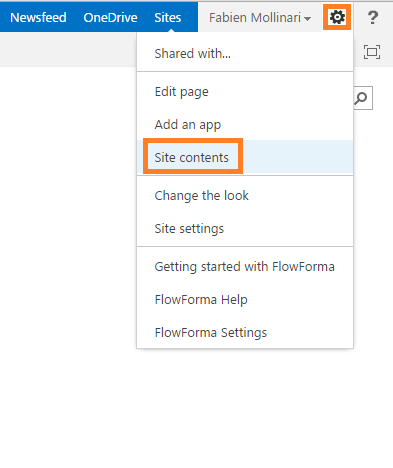
SharePoint with Office 365
To access your site contents, go to your site homepage and select site contents from the left navigation or from the site actions menu. Site contents is not accessible from the FlowForma app homepage.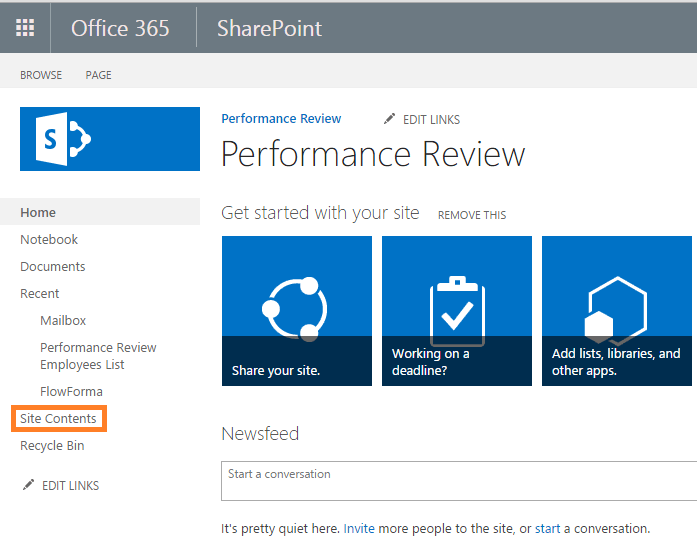
Create your list
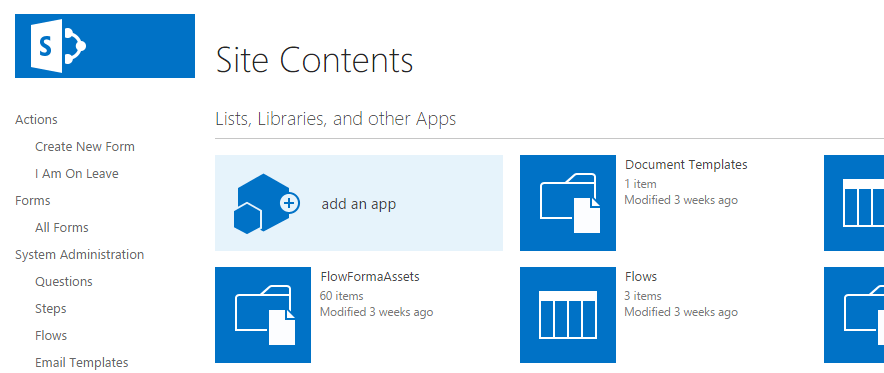
- In site contents, click add an app.
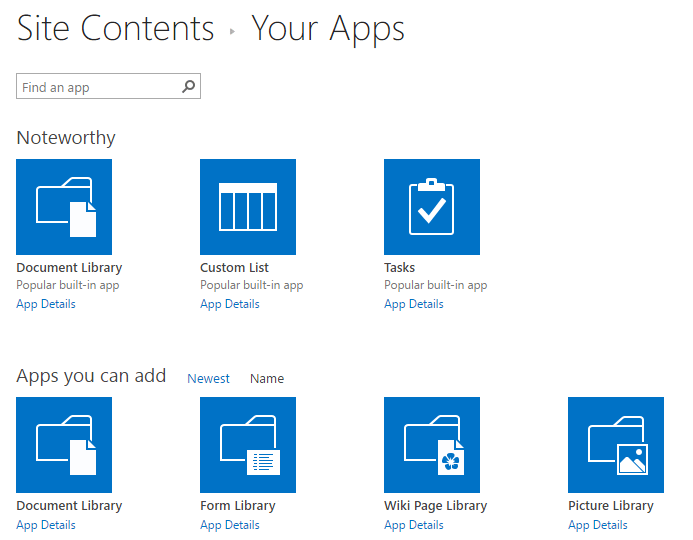
- Select the list type you want.
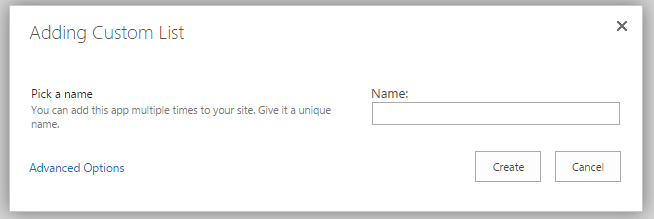
- Add a new name to your list and click create.
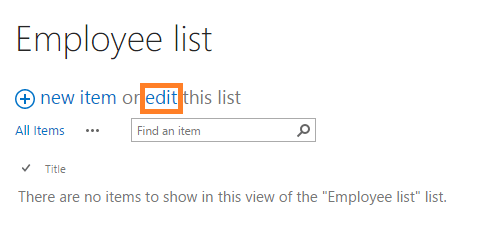
- Click edit to use the quick edit mode that allows you to add new items and columns.
- Add columns using the + button, fill in your data and click stop to save the changes.