

What is SharePoint CSP?
Content Security Policy (CSP) is a security control enforced by Microsoft in SharePoint Online. It defines which external websites and services are trusted and allowed to load or interact with SharePoint pages. Microsoft uses CSP to prevent:- Malicious scripts
- Data leakage
- Click-jacking and cross-site attacks
Why is this needed?
Our solution integrates with SharePoint to:- Load application content
- Exchange data securely
- Provide embedded or connected functionality within SharePoint pages
What happens if our URL is not added?
If our URL is not added to the SharePoint trusted locations:- Parts of the application may fail to load
- Embedded content may appear blank or blocked
- Users may see browser console errors or security warnings
- Key functionality may not work as expected
SharePoint Online CSP rollout timeline
Now – February 29, 2026: CSP is active in report‑only mode. No content is blocked, but violations are logged. March 1, 2026: CSP enforcement begins. Non‑compliant scripts and resources will be blocked. Optional: Enforcement can be delayed by 90 days (until June 1, 2026) using PowerShell.Ensuring FlowForma compatibility
If the required settings are not applied automatically, you must manually add cdn.flowforma.com to the list of trusted script sources.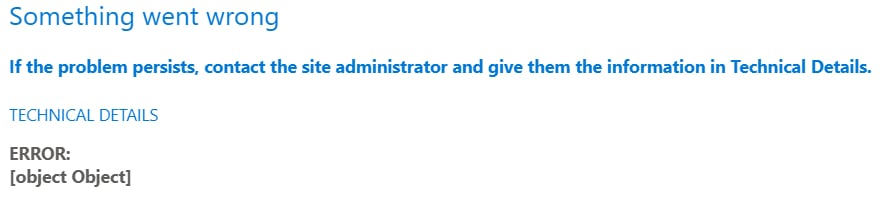
How to add a trusted script source
- Open the SharePoint Admin Center.
https://<tenant>-admin.sharepoint.com
- Expand Advanced and select Script sources.
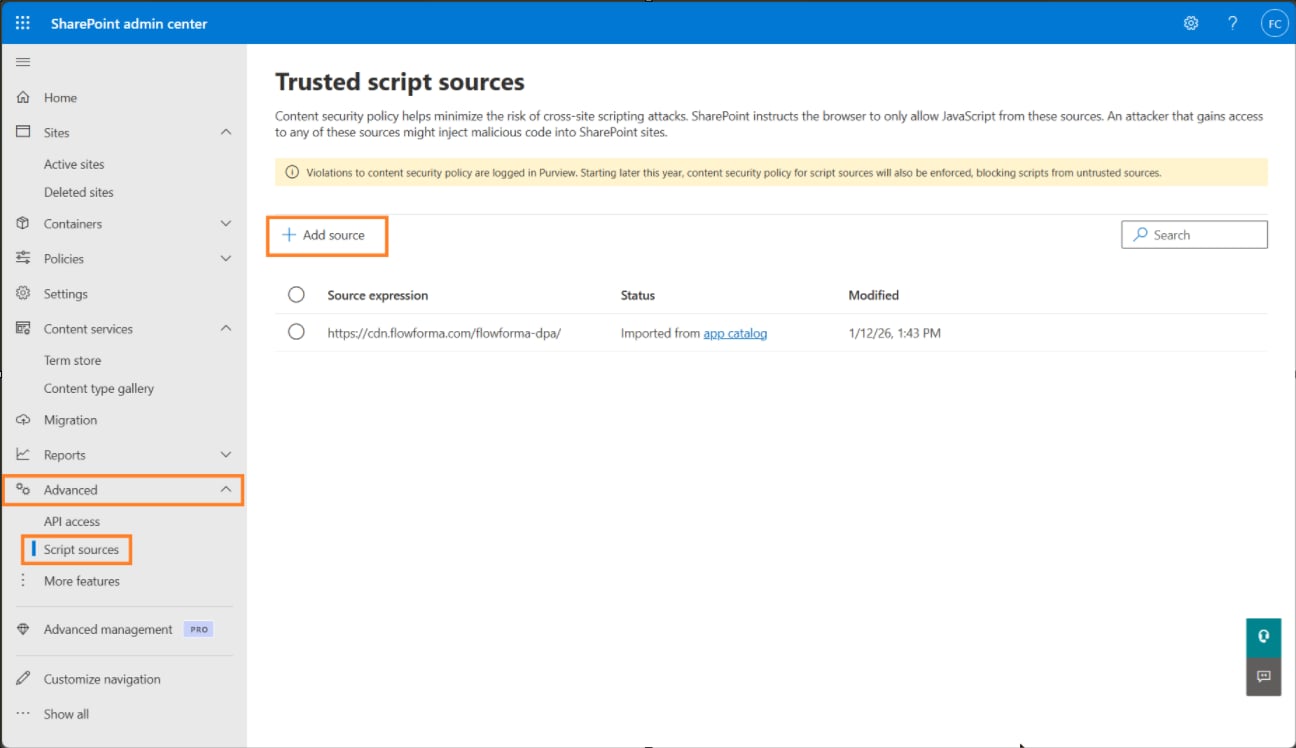
- Click Add source
- Add cdn.flowforma.com to the list.
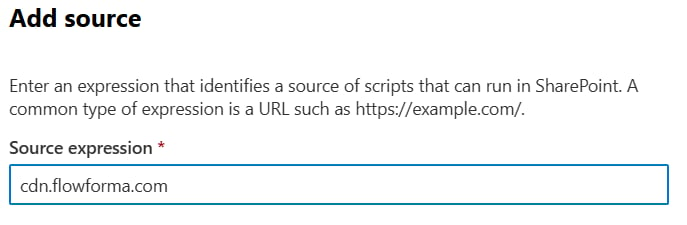
- Save the entry
When installing the FlowForma 8 app from the SharePoint Store, https://cdn.flowforma.com/flowforma-dpa/ is automatically added to the trusted sourceHowever this only covers the Core FlowForma application, additional features such as Governance and CWM are not covered, by adding cdn.flowforma.com, it covers all FlowForma functionality.