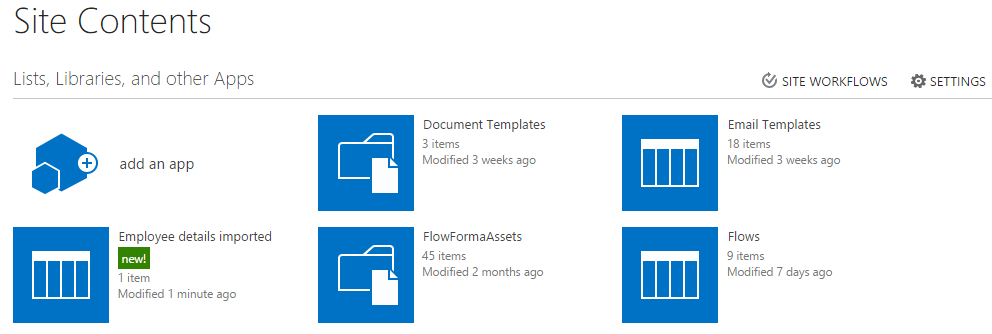
Import a template into list template gallery
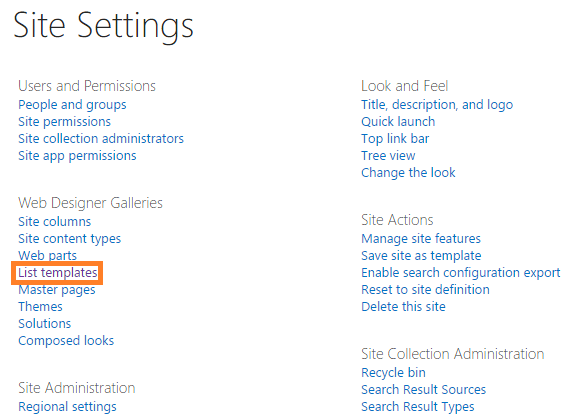
- From the top site, go to site settings and click list templates under web designer galleries.
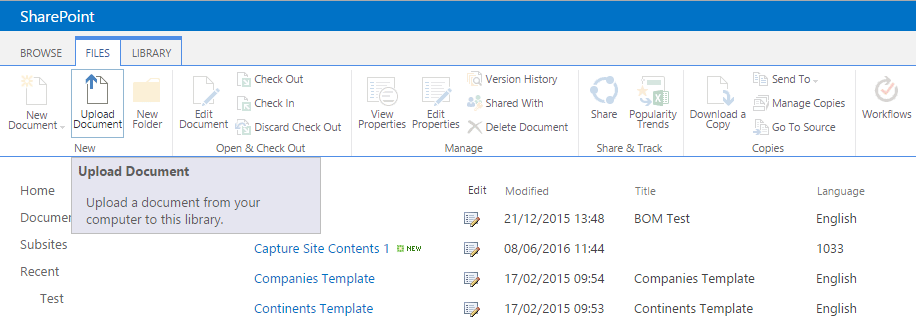
- Click upload document under the files tab in the top ribbon.
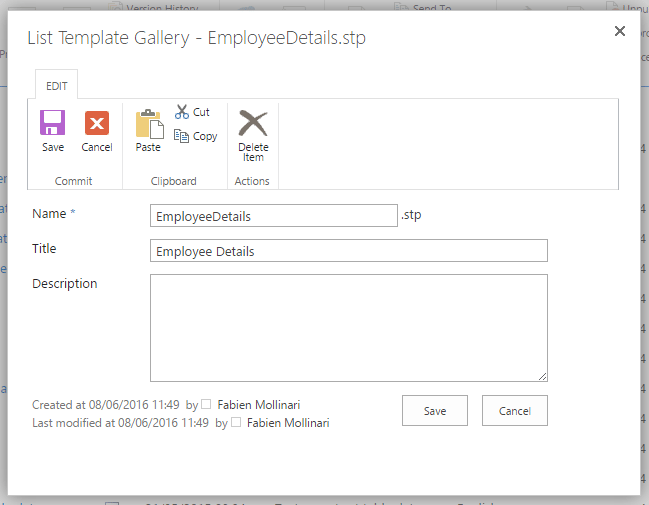
- Select the template that you want to import (it should have the extension .stp). Add or edit name and description. Then click save to complete the import.
Create a list using a list template
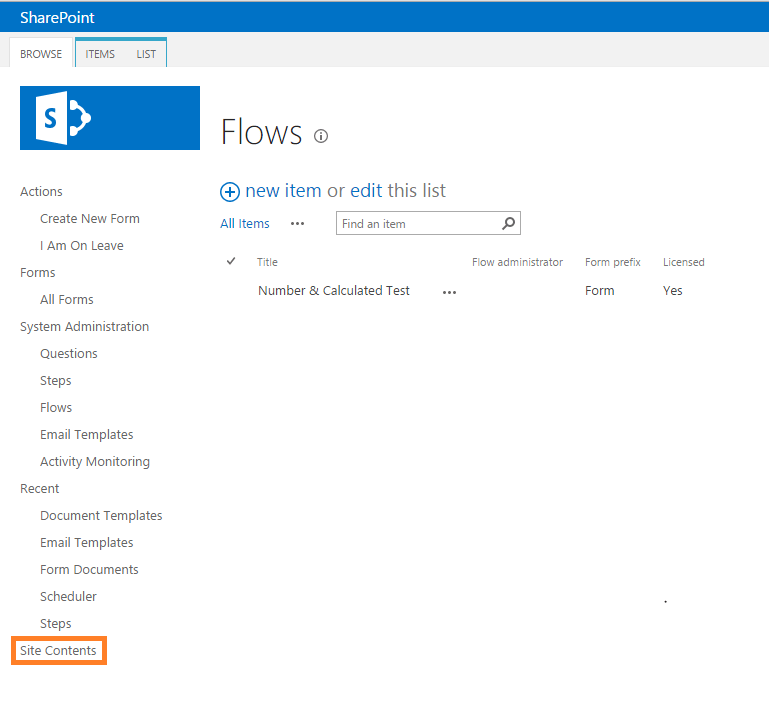
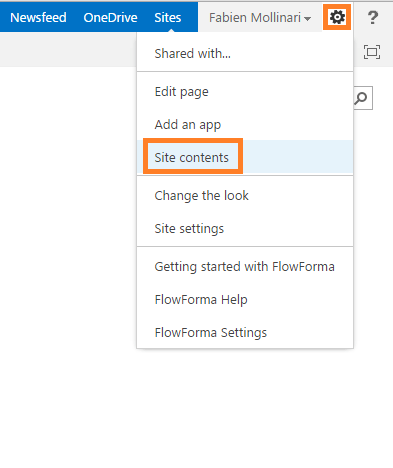
- Go to the homepage of the site or subsite where you want to add the list and select site contents from the left navigation, or alternatively select it from the site actions menu.
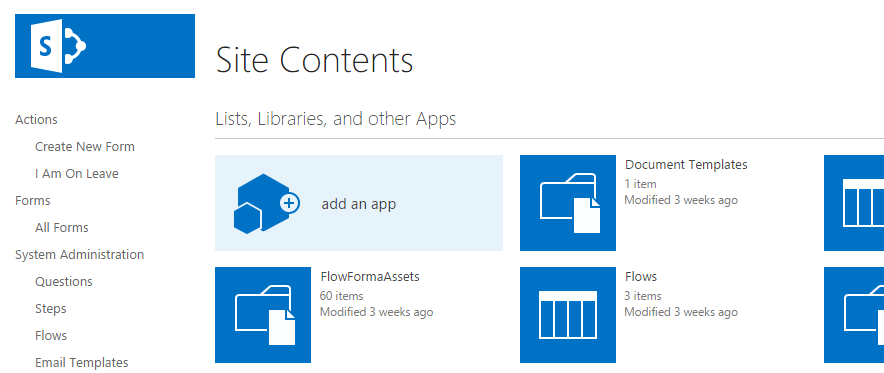
- In site contents, click add an app.
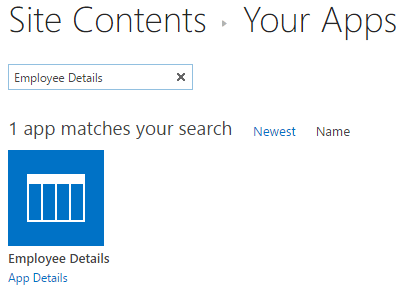
- Select the list template that you want to use. You can use the search bar.
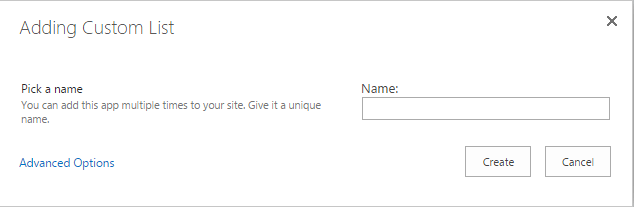
- Add a name to your list and click create.
- Once the list is created, you can find it in your site contents and edit it as a normal list.