FlowForma Reporting exports your form data to a SQL database so you can build dashboards and insights in Power BI, Excel, or Tableau.
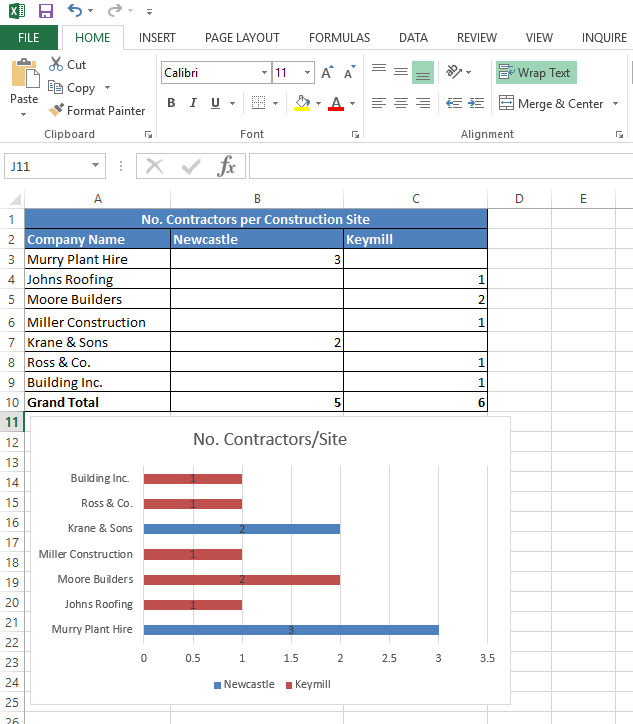
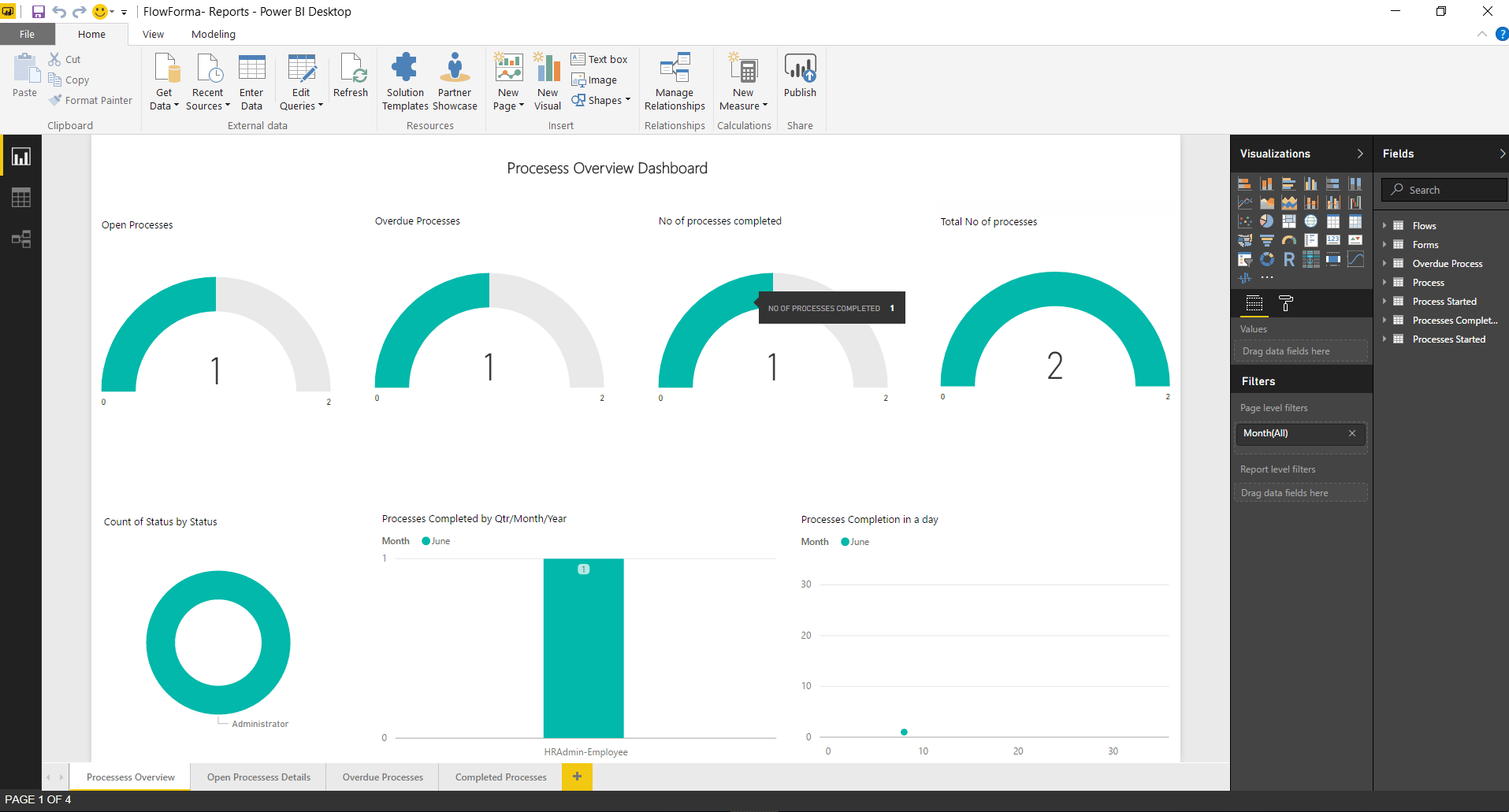
FlowForma gathers a lot of data as you use your forms, and you can use this data to build useful reports and dashboards for insights into your organisation.The Advanced Reporting feature exports your FlowForma data to a SQL database. Once your data is there, you can import it into any reporting tool that supports a SQL connection. The two most common platforms for generating reports are Excel and Power BI, but other tools such as Tableau can also be used.Connecting Excel to the reporting database lets you generate reports, as shown in this basic example below:You can also use Power BI to build reports, analyse data, and share insight. Reports can be built quickly using various data sources, both in cloud and on-premise, as illustrated below: