The Flow Health Checker validates a flow’s question and rule configurations and highlights broken references to missing questions or steps for quick fixes.
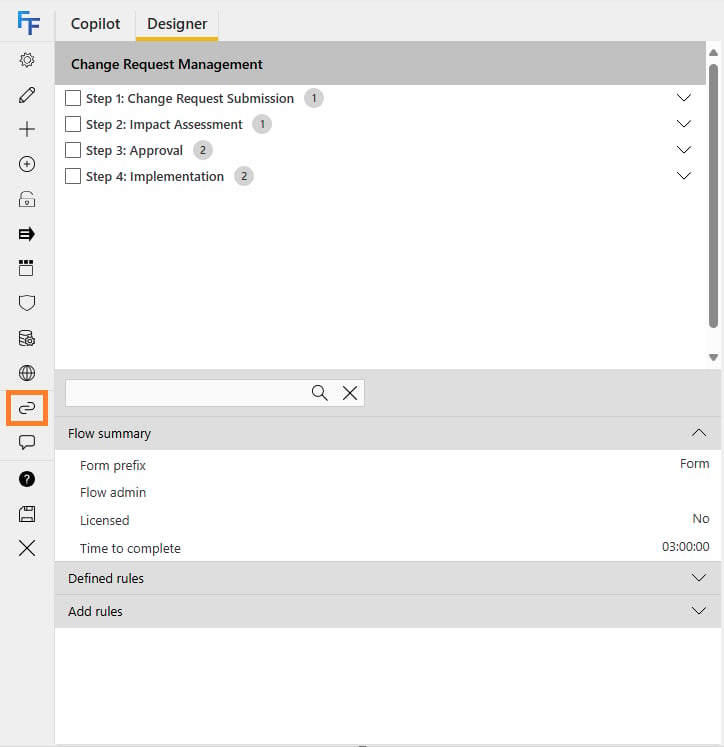
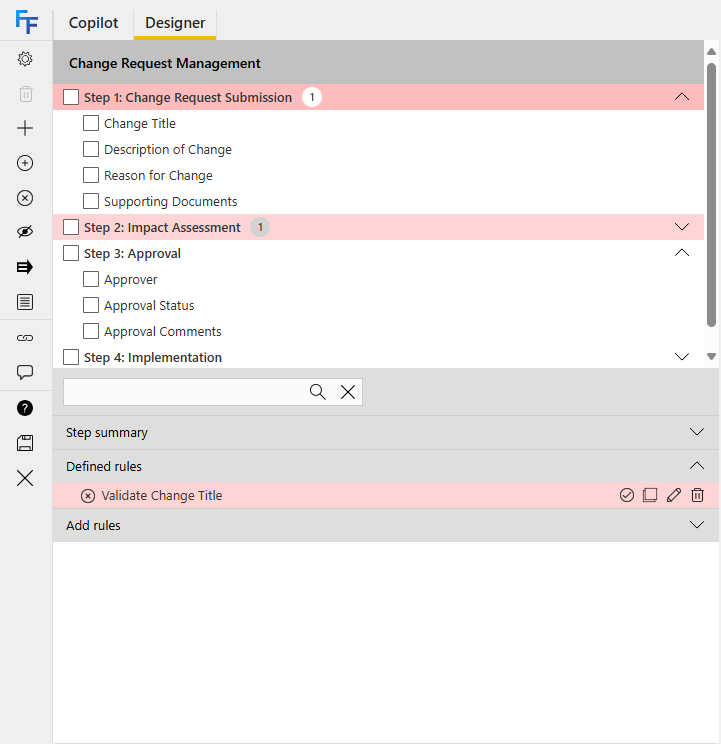
The Flow Health Checker is a feature that lets you validate question and rule configurations to ensure there are no missing references to questions or steps.When you are building your flow, click the Validate button after making changes. A notification then appears stating Validation successful if no errors were found, or Some errors were found if configuration issues are found.To use the health checker, open the Flow Designer on the flow you want to check, and click the Validate iconIf issues are found within the flow, the location is highlighted at each node to help you navigate to where the problem is.
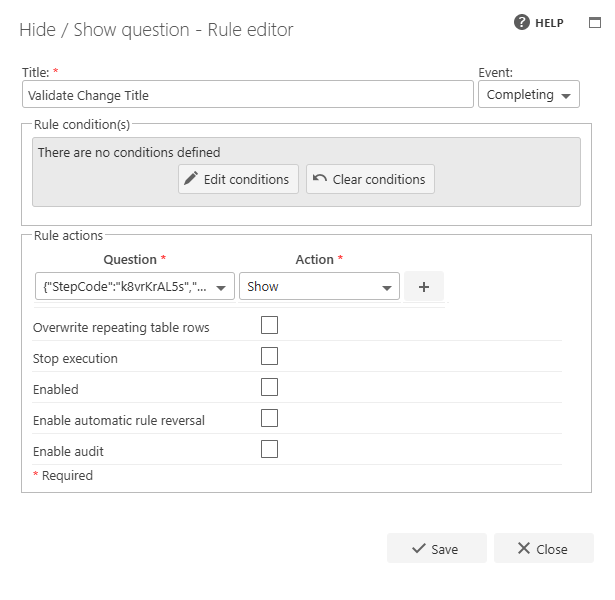
For example, if the problem is within a rule on a question within a repeating table, then the step, repeating table, question, and rule are highlighted.When you inspect this rule, you can see the issue is that the rule action is set to hide a question that has been removed from the flow, leading to a broken rule.You can then make the changes required to fix, delete, or disable the rule.