Azure Access Control
FlowForma needs Azure Access Control (ACS) enabled, if it not enable the app can fail to install. To enable it, you will need to download the latest SharePoint Online Management Shell. Once you have this, you can run the following commands to enable it:Elevating app permissions
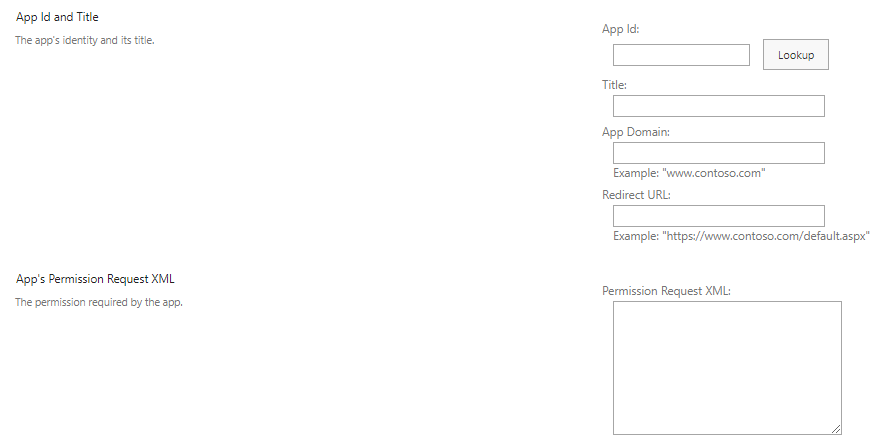
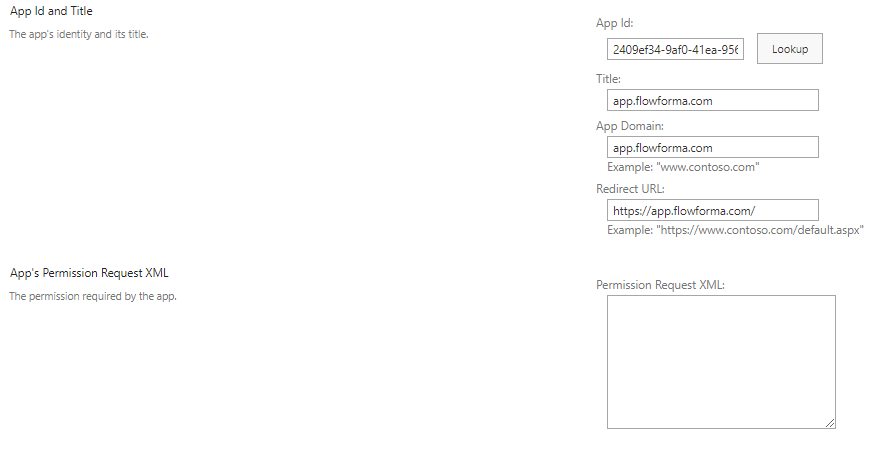
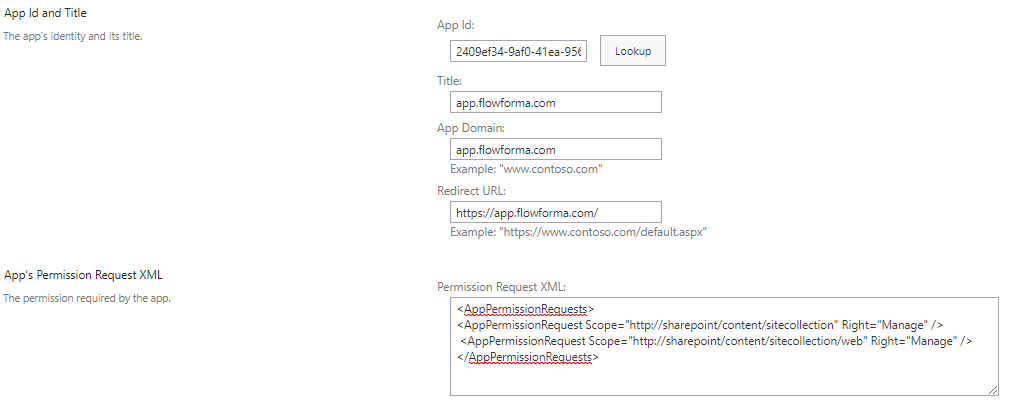
A FlowForma app may requires higher permissions in order to complete installation and also to allow certain functionality to work (eg, using App Permissions in the add/update list item rule). To do this, navigate tohttps://yourtenant.sharepoint.com/_layouts/15/appinv.aspx, and you will see the following: