The API Connection Manager allows you to configure your API connections to make them available for use in the “Call External API” rule. The API Connection Manager can be accessed via FlowForma Settings.

Adding a new connection

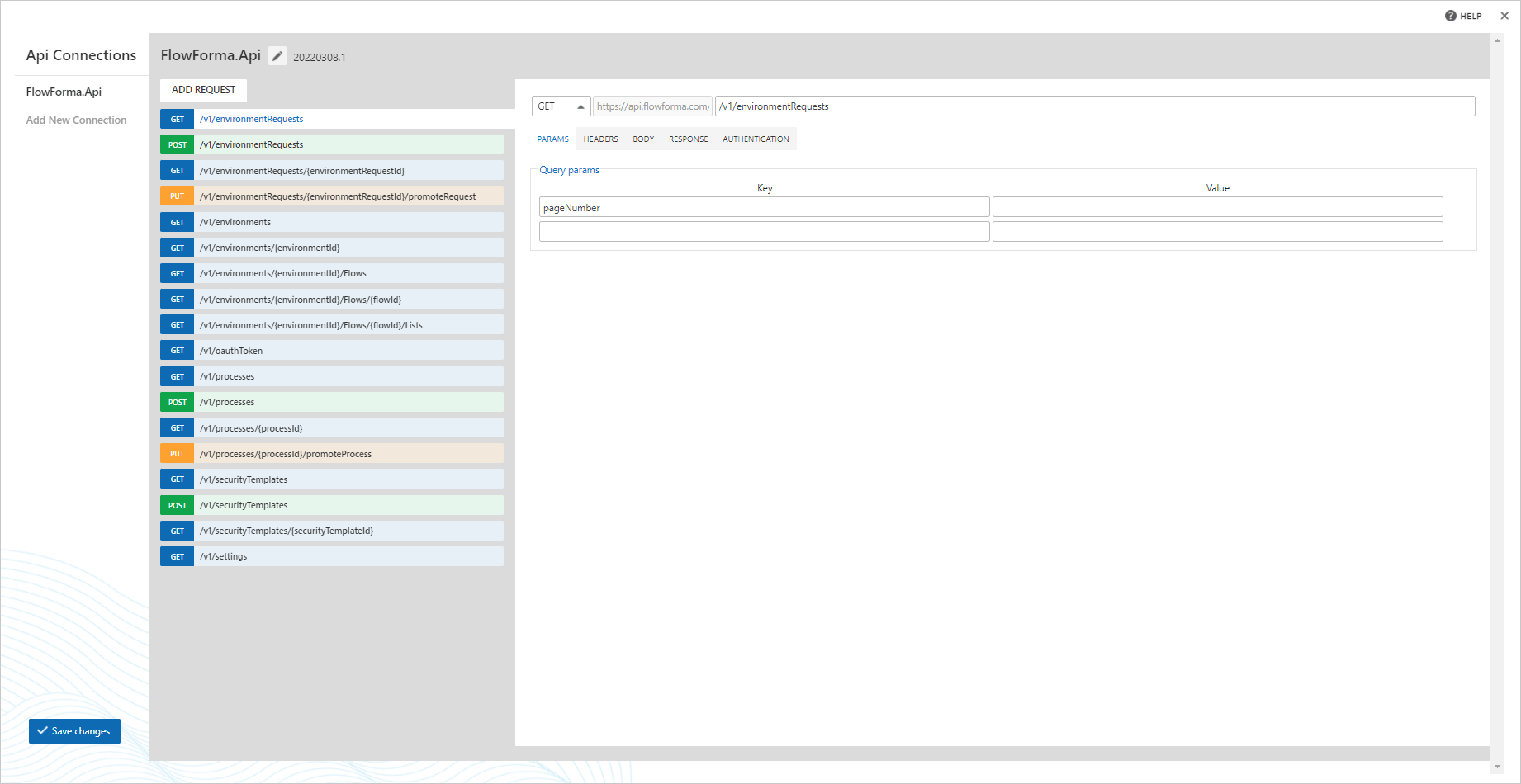
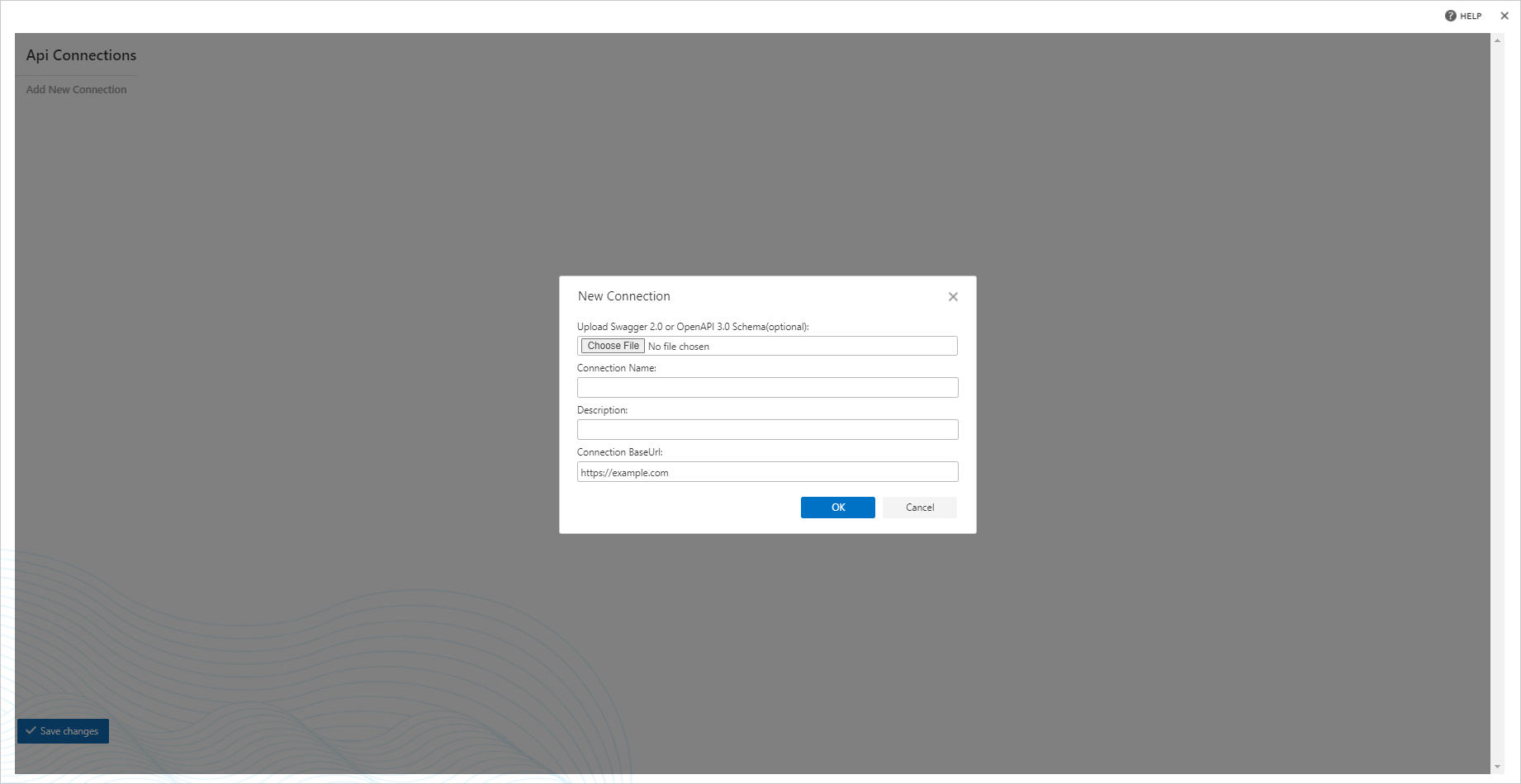
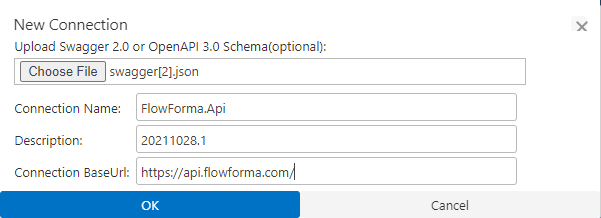
When you first open the API Connection Manager, it will ask you to provide details for a new API connection. If you have a Swagger or OpenAPI file, you can upload this and it will read the file to load the available options it provides, If you don’t have a file, you will just need to enter a connection name, and connection base URL. New API connection dialog Swagger file uploaded with auto-populated connection details Here a swagger file is being uploaded and details are auto-populated for the connection. Saved connection details Once the connection is save, the next dialogue will display a list of all save connections on the left hand side The middle panel will display a list of the available requests that can be made The right panel will display options that can be configured for that request
Query parameters

Query parameters configuration If the request supports parameters, you can list them here, as well as provide a default value

Headers

Headers configuration If the request supports parameters, you can list them here, as well as provide a default value

Body

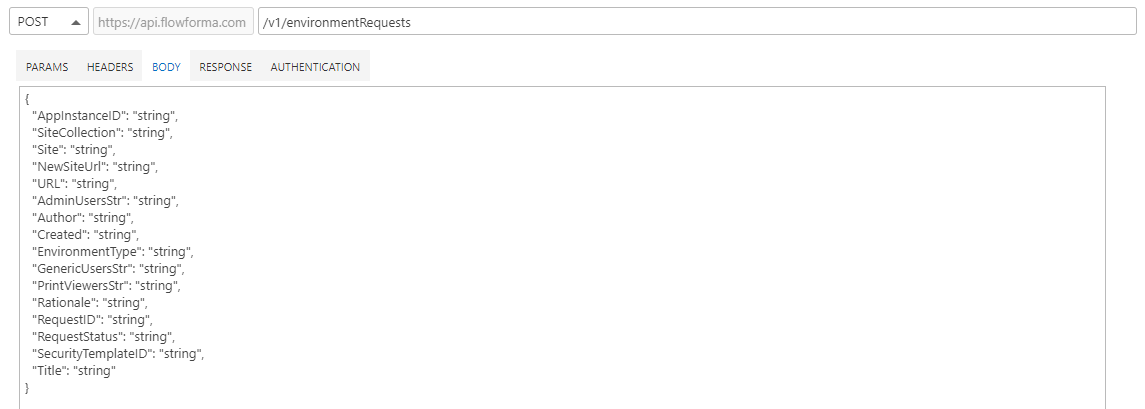
Body configuration You can paste in a sample request for the body, this will make it easy to map the questions in your form to fields in the Call External API rule when making a request with information entered into the form.

Response

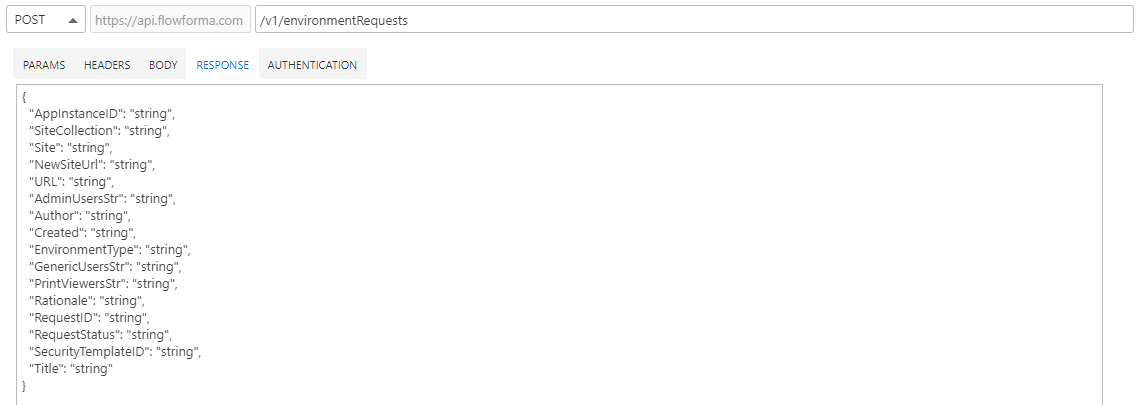
Response configuration Similarly, you can paste in a sample response from the request, this will make it easy to map the response to questions in your form in the Call External API rule when making a request to display the response in the form.

Authentication

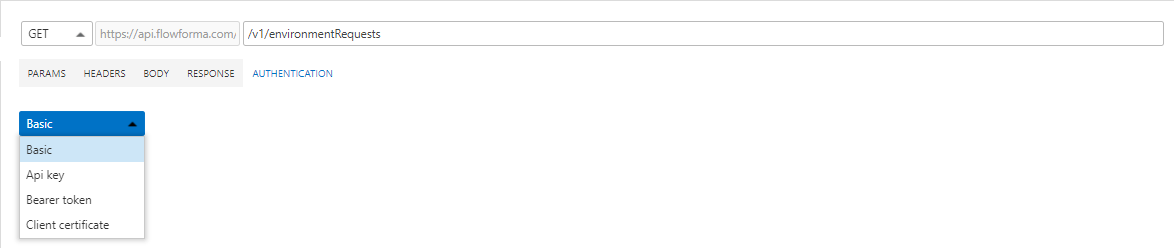
Authentication configuration Here you can enter in the values required for authentication with the API
  • Basic: allows you to authenticate using a username & password
  • API Key: allows you to authenticate using an API Key
  • Bearer Token: allows you to authenticate using a Bearer Token
  • Client certificate: allows you to authenticate using a certificate