> ## Documentation Index
> Fetch the complete documentation index at: https://docs.flowforma.com/llms.txt
> Use this file to discover all available pages before exploring further.
# Site settings
> Access SharePoint site settings relevant to FlowForma administrators, including People and Groups, Site Permissions, and Regional Settings for date and time.
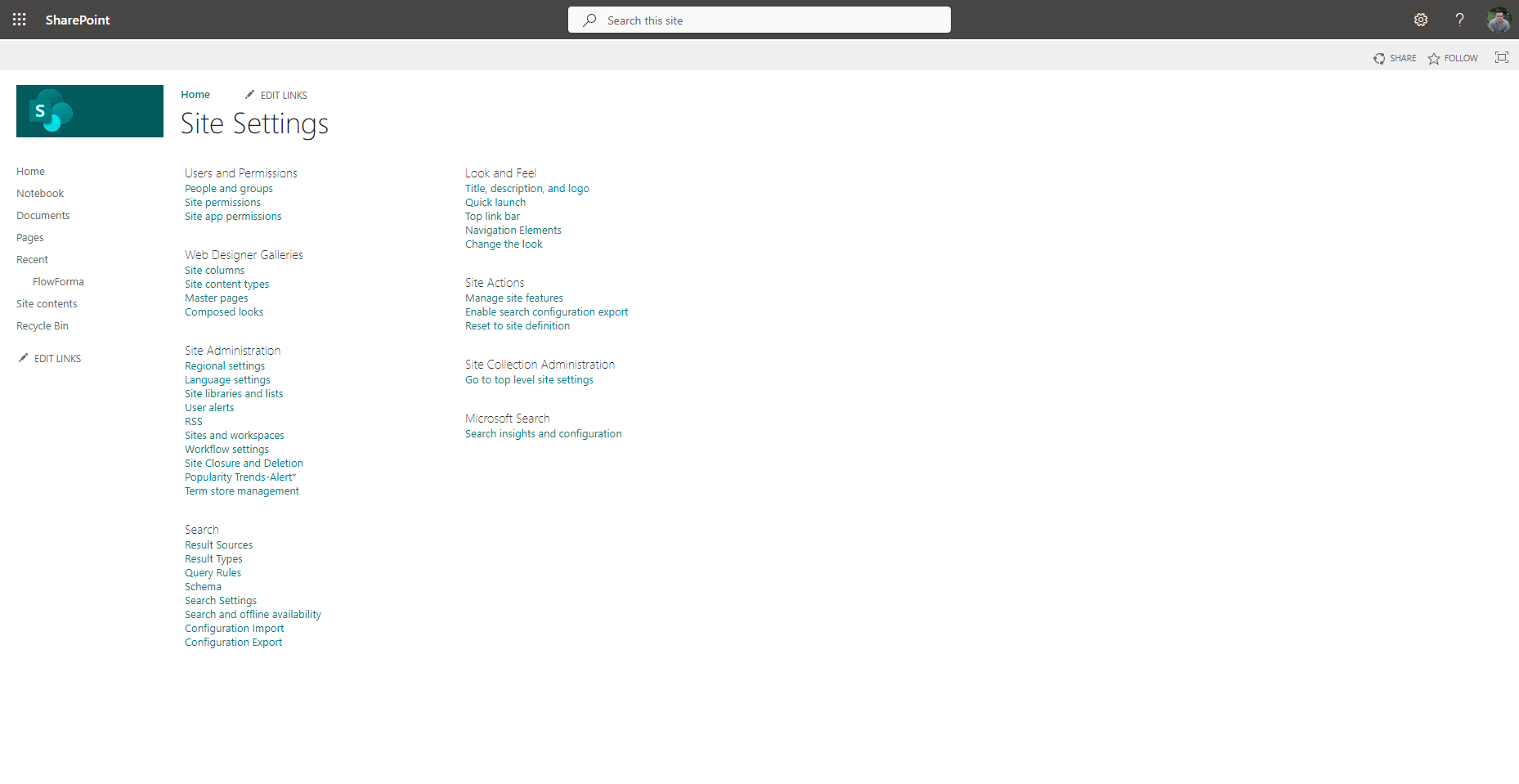
If you're a FlowForma administrator, you'll be able to access and modify the overall site settings. To access these, click **settings**  in the top right corner and then select **site settings**.
The site settings are SharePoint settings, but some of them are relevant to your FlowForma site, so you may want to familiarize yourself with these.
## Frequently used settings
**People and Groups**
Used to manage users and their group memberships. You can add or remove people, assign them to groups, and control their roles.
**Site Permissions**
Lets you set permissions for the site. You can grant, edit, or revoke access for individuals and groups, ensuring users only have the rights they need.
**Regional Settings**
Allows you to configure the site's time zone, locale, and other regional preferences like date and time formats.
in the top right corner and then select **site settings**.
The site settings are SharePoint settings, but some of them are relevant to your FlowForma site, so you may want to familiarize yourself with these.
## Frequently used settings
**People and Groups**
Used to manage users and their group memberships. You can add or remove people, assign them to groups, and control their roles.
**Site Permissions**
Lets you set permissions for the site. You can grant, edit, or revoke access for individuals and groups, ensuring users only have the rights they need.
**Regional Settings**
Allows you to configure the site's time zone, locale, and other regional preferences like date and time formats.