> ## Documentation Index
> Fetch the complete documentation index at: https://docs.flowforma.com/llms.txt
> Use this file to discover all available pages before exploring further.
# Forms awaiting my input
> The Forms awaiting my input screen lists open forms assigned to you in the FlowForma mobile app so you can open and complete the next step.
When you access the **FlowForma mobile app** and have selected the site you want to use, the **Forms awaiting my input** screen is displayed by default.
This screen displays open forms that are assigned to you, requiring you to complete the next step.
At the top of the screen you can see the number of forms displayed out of the total number of forms currently awaiting your input.
When the screen opens, the newest 10 forms are displayed. Scroll down to load a further 10 forms, and repeat this until all forms have been displayed.
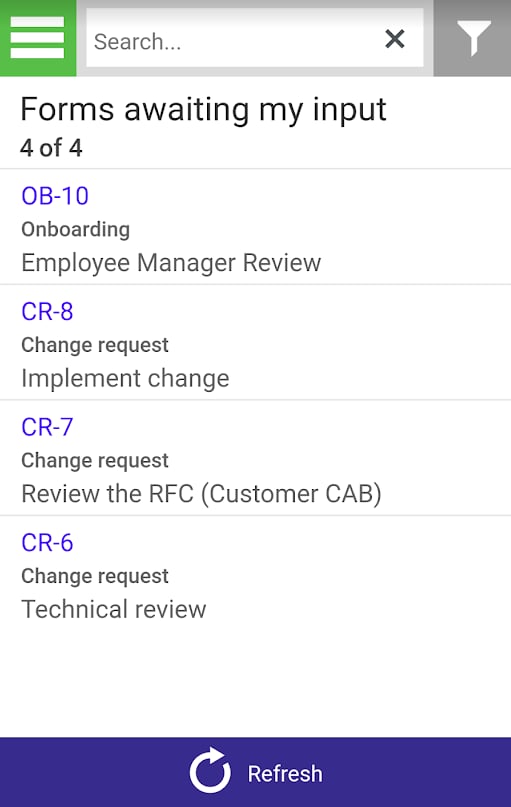 Click the form you require to open it.
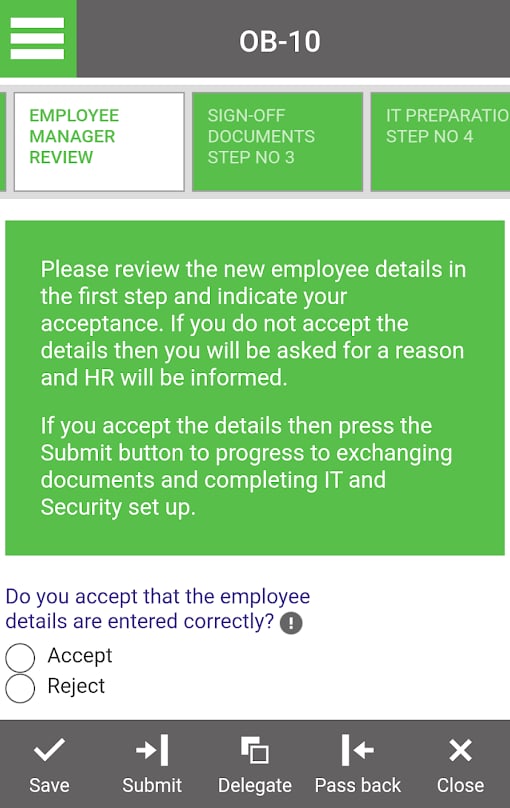 You can now enter data into the step and perform any of the standard FlowForma form actions, **Save**, **Submit**, **Delegate** to another user, **Pass** the form back to a previous step or **Close** the form without saving any changes.
If you are in a different section of the mobile app and want to return to the **Forms awaiting my input** section:
Tap the hamburger icon
You can now enter data into the step and perform any of the standard FlowForma form actions, **Save**, **Submit**, **Delegate** to another user, **Pass** the form back to a previous step or **Close** the form without saving any changes.
If you are in a different section of the mobile app and want to return to the **Forms awaiting my input** section:
Tap the hamburger icon  in the top left of the screen to display the menu options.
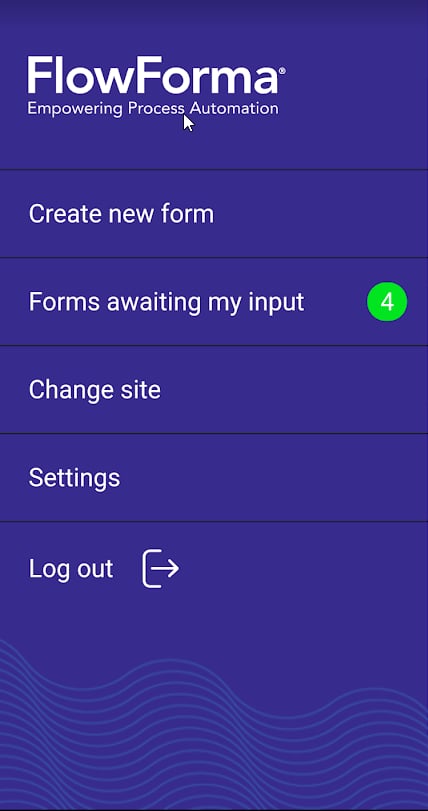 One of the options is **Forms awaiting my input**, which is displayed with the number of forms awaiting your input on the right.
Tap **Forms awaiting my input** to open the Forms awaiting my input screen.
One of the options is **Forms awaiting my input**, which is displayed with the number of forms awaiting your input on the right.
Tap **Forms awaiting my input** to open the Forms awaiting my input screen.