> ## Documentation Index
> Fetch the complete documentation index at: https://docs.flowforma.com/llms.txt
> Use this file to discover all available pages before exploring further.
# Downloading flows
> Download individual or all licensed process templates from your FlowForma site to your mobile device, and swipe to remove ones you no longer need.
Select the hamburger menu at the top of the screen and the menu options are displayed.
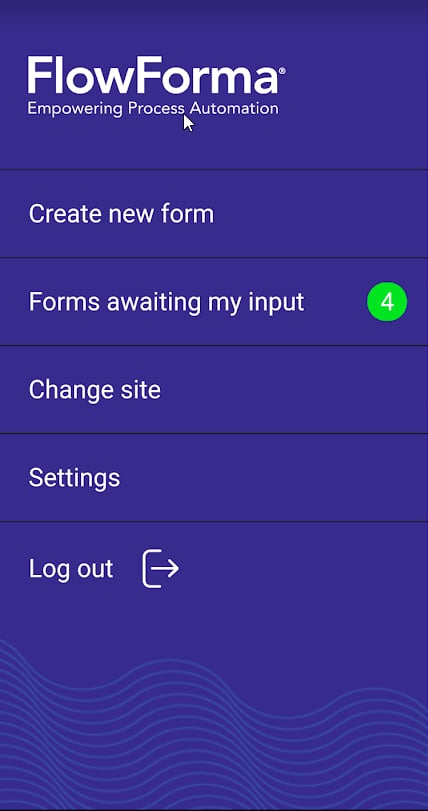 Select **Create new form** and the **Process templates** screen is displayed.
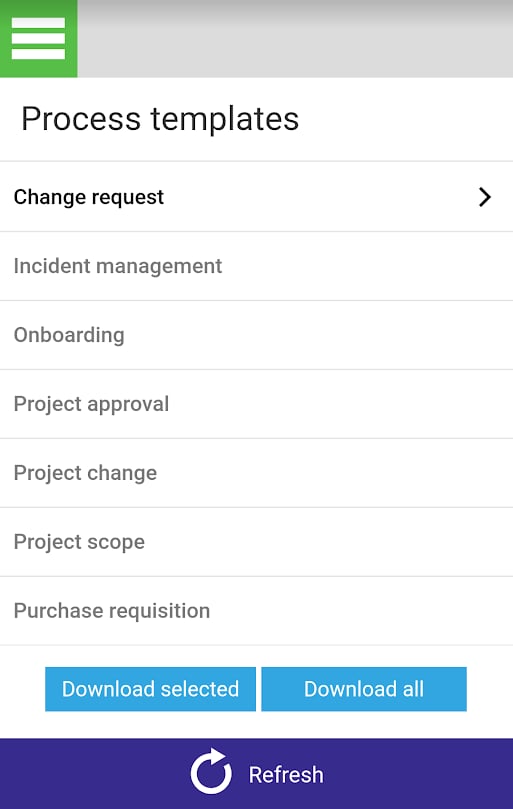 The process templates screen will display all the licensed process flows that are present on the **FlowForma site**.
Processes you have already downloaded are shown in black with a small arrow on the right.
Other licensed processes that are on the site but that you have not yet downloaded are displayed in grey.
To download templates, you can either:
## Option 1 - Download an individual template
The process templates screen will display all the licensed process flows that are present on the **FlowForma site**.
Processes you have already downloaded are shown in black with a small arrow on the right.
Other licensed processes that are on the site but that you have not yet downloaded are displayed in grey.
To download templates, you can either:
## Option 1 - Download an individual template
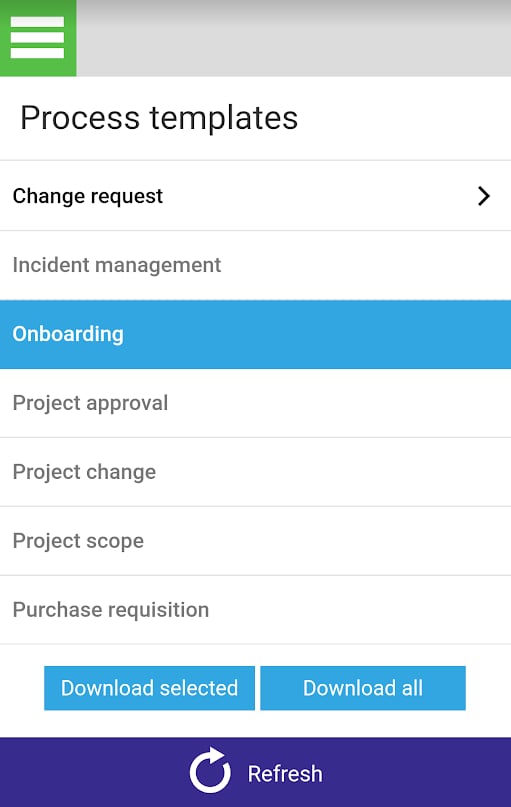 Select the template you want to download.
Click
Select the template you want to download.
Click  and the selected process template(s) are downloaded to your device.
## Option 2 - Download all templates from the site
Click
and the selected process template(s) are downloaded to your device.
## Option 2 - Download all templates from the site
Click  and all the licensed process templates on the site are downloaded to your device.
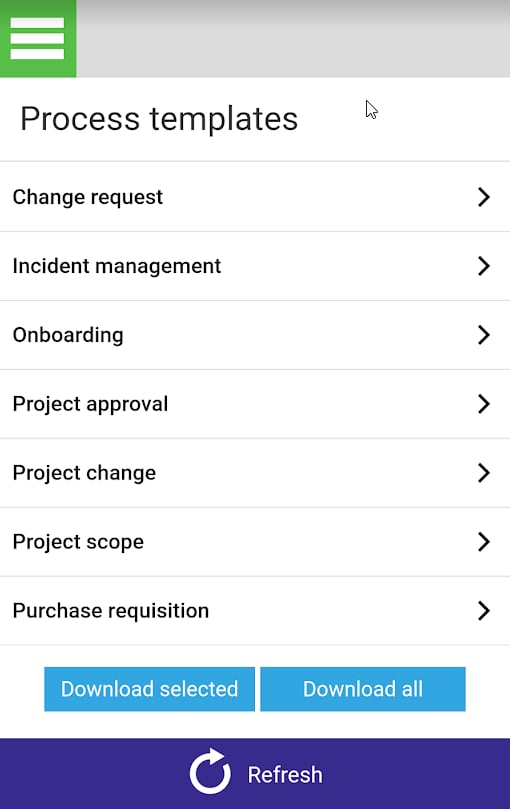 To remove a template, swipe right on it. It changes to grey and the arrow is removed.