> ## Documentation Index
> Fetch the complete documentation index at: https://docs.flowforma.com/llms.txt
> Use this file to discover all available pages before exploring further.
# Flow documentation snapshot
> Flow documentation snapshot generates a Word document capturing a flow's full definition, including steps, questions, and business rules, plus a diagram.
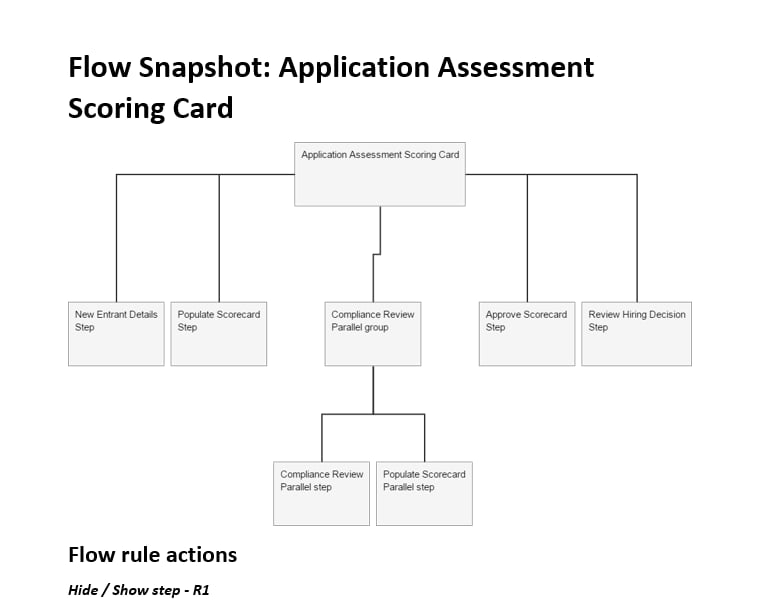
Flow snapshot automatically generates a **Word document** containing all the content from a flow definition.
1. **Flow snapshot** gives you a **graphical view of the flow structure**, where you can see all flow steps and parallel steps.
 2. The information listed below is captured in the document:
| **From flow** | **From steps** | **From questions** | **From business rules** |
| ------------------------------------------------------ | --------------------------------------------------------------------------------------------------------------------------------------------------------------------------------- | -------------------------------------------------------------------------------------------------- | ------------------------------------------------------------------------------------------------------------------------------------------------------------------------------------------- |
| 1. Flow name
2. The information listed below is captured in the document:
| **From flow** | **From steps** | **From questions** | **From business rules** |
| ------------------------------------------------------ | --------------------------------------------------------------------------------------------------------------------------------------------------------------------------------- | -------------------------------------------------------------------------------------------------- | ------------------------------------------------------------------------------------------------------------------------------------------------------------------------------------------- |
| 1. Flow name
2. List of the business rules' names | 1. Step category
2. Default owner
3. Step description
4. Name of the starting rules
5. Name of the completing rules
6. List of the business rules' names | 1. Question type
2. Description
3. If required
4. List of the business rules' names | 1. Type
2. Event (loaded, starting, completing or updated)
3. If enabled
4. Conditions
5. Rule action settings (only shows for hide/show question rules or steps rules) |
Note: email and document templates associated with the flow are not included in the snapshot document.
## Access flow snapshot
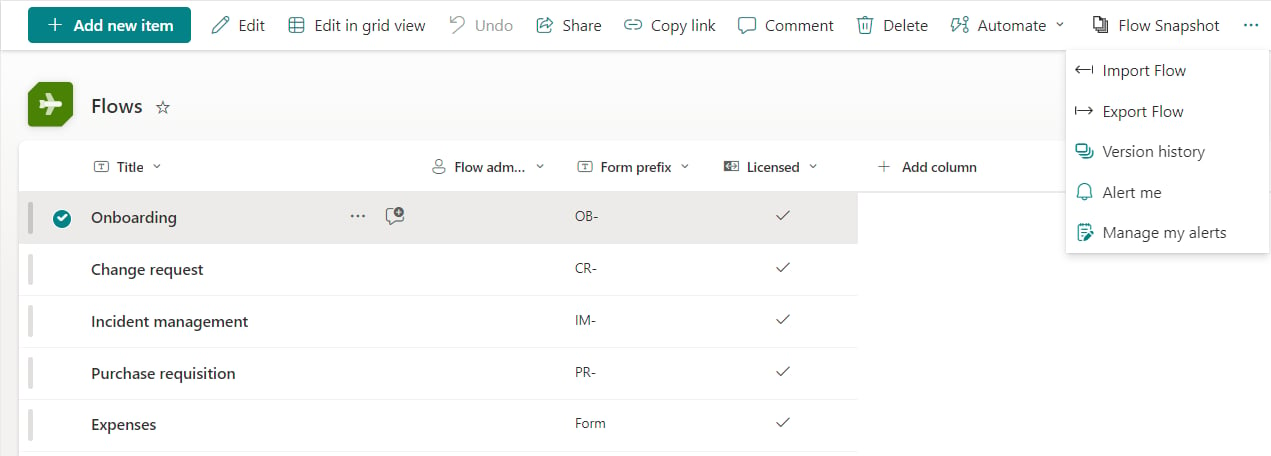
Select the flow you want to generate a snapshot for, and click "Flow Snapshot" from the ribbon.