> ## Documentation Index
> Fetch the complete documentation index at: https://docs.flowforma.com/llms.txt
> Use this file to discover all available pages before exploring further.
# Duplicating a Role
> Duplicate an existing FlowForma Analytics role to create new roles quickly, then adjust the privileges and give it a new name before saving.
Once you've created a role, you can duplicate it to quickly create new roles, rather than building each one from scratch.
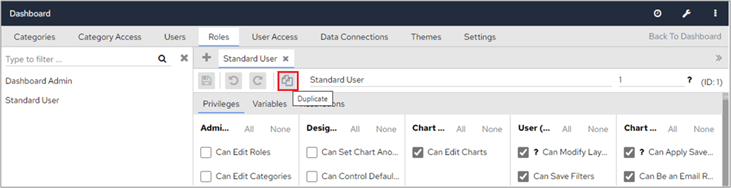
In **Dashboard Configuration > Roles**, select the role you want to duplicate.
Click the **Duplicate** icon at the top of the screen.
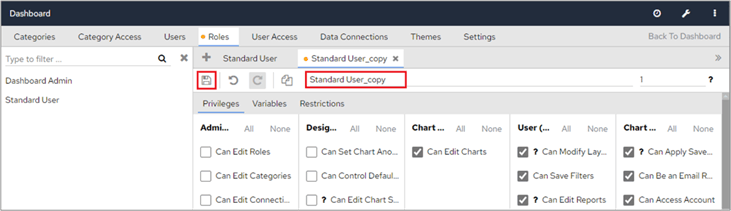
 Make the necessary changes, remembering in particular to change the privileges, give the role a new name and then click the **Save** icon.