> ## Documentation Index
> Fetch the complete documentation index at: https://docs.flowforma.com/llms.txt
> Use this file to discover all available pages before exploring further.
# My dashboard is empty when I log in.
> Find out why your FlowForma Analytics dashboard is empty at login, caused by no categories assigned to your account or charts you cannot access.
If you see this message after logging in to the dashboard
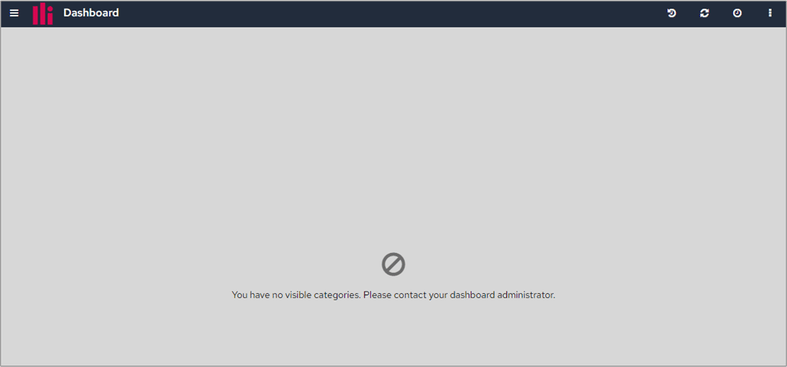 it means that your System Administrator has not assigned any categories to either your user account or your user role.
If you see this message
it means that your System Administrator has not assigned any categories to either your user account or your user role.
If you see this message
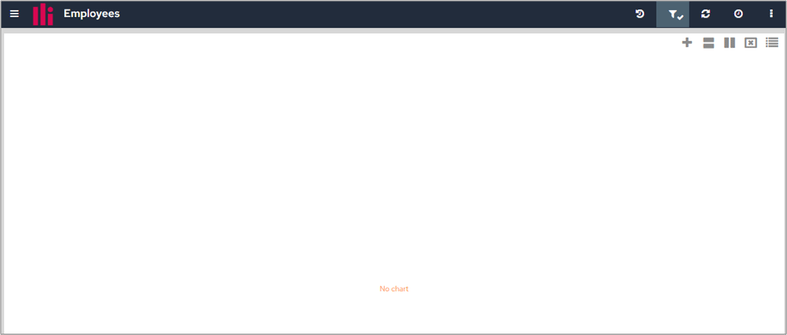 it means that you have been assigned a category, but the charts in that category belong to a chart group you do not have access to.
If you see either of these messages, contact your System Administrator.
it means that you have been assigned a category, but the charts in that category belong to a chart group you do not have access to.
If you see either of these messages, contact your System Administrator.