> ## Documentation Index
> Fetch the complete documentation index at: https://docs.flowforma.com/llms.txt
> Use this file to discover all available pages before exploring further.
# Some of the Chart Tool icons are not available
> Understand why a Chart Tools icon appears greyed out in FlowForma Analytics, usually due to account permissions or the current task, and how to resolve it.
If an icon is greyed out under the Chart Tools menu, it's either disabled for your user account or not available for the task you're currently performing.
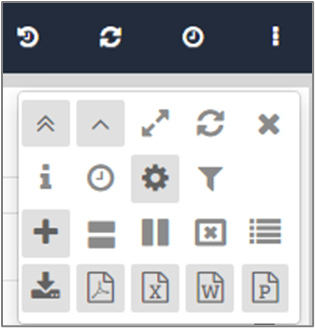 If you've checked and you think you should have the relevant permission but it's either greyed out or not visible, please contact your System Administrator for further clarification.