> ## Documentation Index
> Fetch the complete documentation index at: https://docs.flowforma.com/llms.txt
> Use this file to discover all available pages before exploring further.
# How to create Card charts
> Create card charts in FlowForma Analytics to display a single numerical value, and enrich them with text, images, and interactive sparklines.
A Card chart is most commonly used to display a single numerical value. For example, you could use it to show the total profit value for a company, the total value of sales, or even a negative value such as the value of all returned items. It can also display images and sparklines, which make the card a more interactive experience.
**Example**
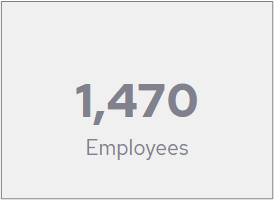
A simple Card chart that shows one numerical value and an explanation of the value.
 **Example**
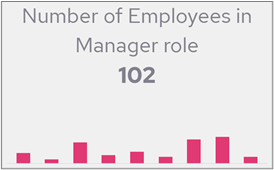
A more detailed Card chart that shows text, the employee count and a sparkline showing Job Roles. When a user hovers over the bars in the sparkline, the text and employee numbers will change.
**Example**
A more detailed Card chart that shows text, the employee count and a sparkline showing Job Roles. When a user hovers over the bars in the sparkline, the text and employee numbers will change.