> ## Documentation Index
> Fetch the complete documentation index at: https://docs.flowforma.com/llms.txt
> Use this file to discover all available pages before exploring further.
# User Sync
> Configure FlowForma User Sync to detect deleted Azure Active Directory accounts and automatically free up licenses by adding a daemon app with admin consent.
## User sync settings
User sync settings automatically detect if a licensed FlowForma user has had their Azure Active Directory account deleted. If the account is deleted, the FlowForma license assigned to that user is removed, freeing it up for another user. FlowForma checks each licensed user's account status hourly.
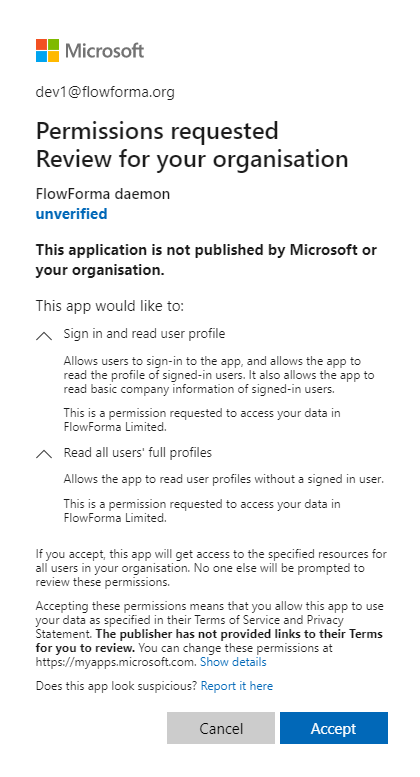
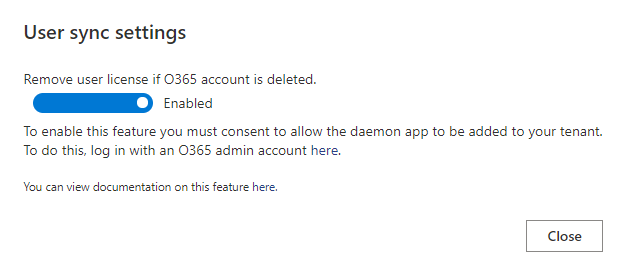 To enable this, you need to add a daemon app so FlowForma can check the user account status. To do this, follow the link on the User sync settings dialogue, sign in as an O365 admin, and accept the required permissions.