> ## Documentation Index
> Fetch the complete documentation index at: https://docs.flowforma.com/llms.txt
> Use this file to discover all available pages before exploring further.
# Change font on forms
> Change the default font on FlowForma forms by editing the font-family in the custom.css file in FlowFormaAssets and uploading it back to the CSS folder.
You may wish to change the default font on a form, but there is no setting in FlowForma to do this. You can add some custom CSS to create different styles; in this example we'll look at changing the font.
The following instructions will allow you to do this.
* You first need to navigate to the FlowFormaAssets folder and open the CSS folder.
* Download a copy of the custom.css file, and open it in a text editor.
* The code to change the font is:
```css theme={null}
form[action*="Lists/Forms"] #flowformaPage,
form[action*="Lists/Forms"] #flowformaPage h2,
form[action*="Lists/Forms"] #flowformaPage h3,
form[action*="Lists/Forms"] #flowformaPage .ms-h2,
form[action*="Lists/Forms"] #flowformaPage .ms-h3,
form[action*="Lists/Forms"] #flowformaPage .ms-headerFont,
.formDlgContent .ms-dlg-heading {
font-family: Aerial ;
}
```
* In this example, we set **font-family** to Aerial; you can change this value to other fonts.
* Save the changes and upload the custom.css file in the css folder; you can do this by simply dragging and dropping the file.
* You will be notified that a file with the same name exists, but you can click **replace it**.
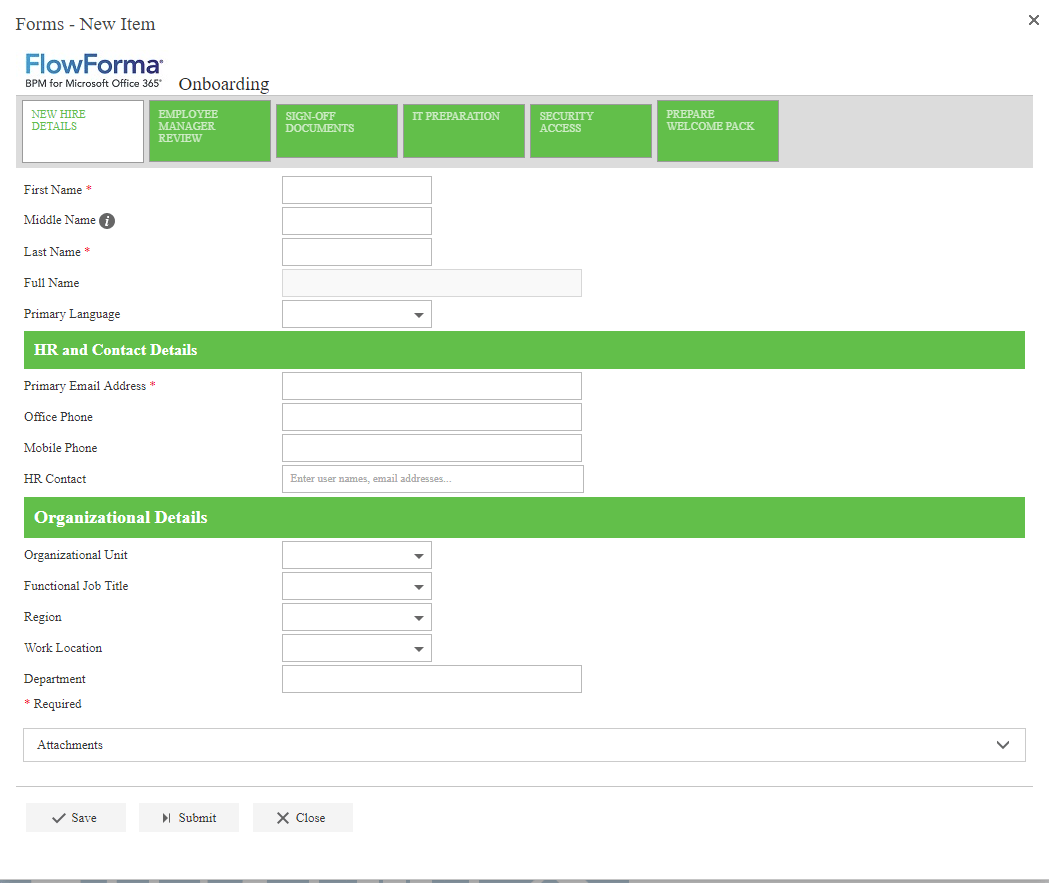
* The text in forms will now be displayed as Aerial.
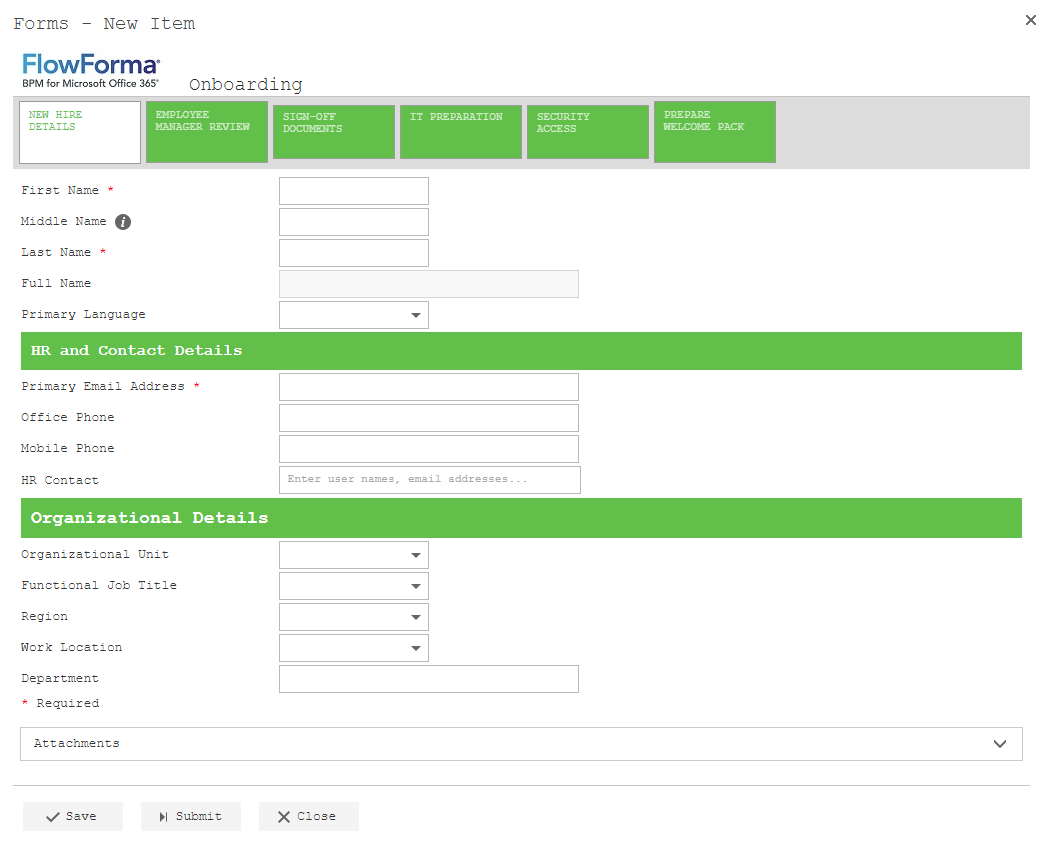
 * Another example of the text being changed to courier.